

LiberoDraft Help
LiberoDraft is a 2D CAD program that runs entirely in the browser — no installation, on any computer, with your drawings in the native format and in DXF exchange.
Help v1.21.0 · Program version v3.0.53 (2026-09-16)
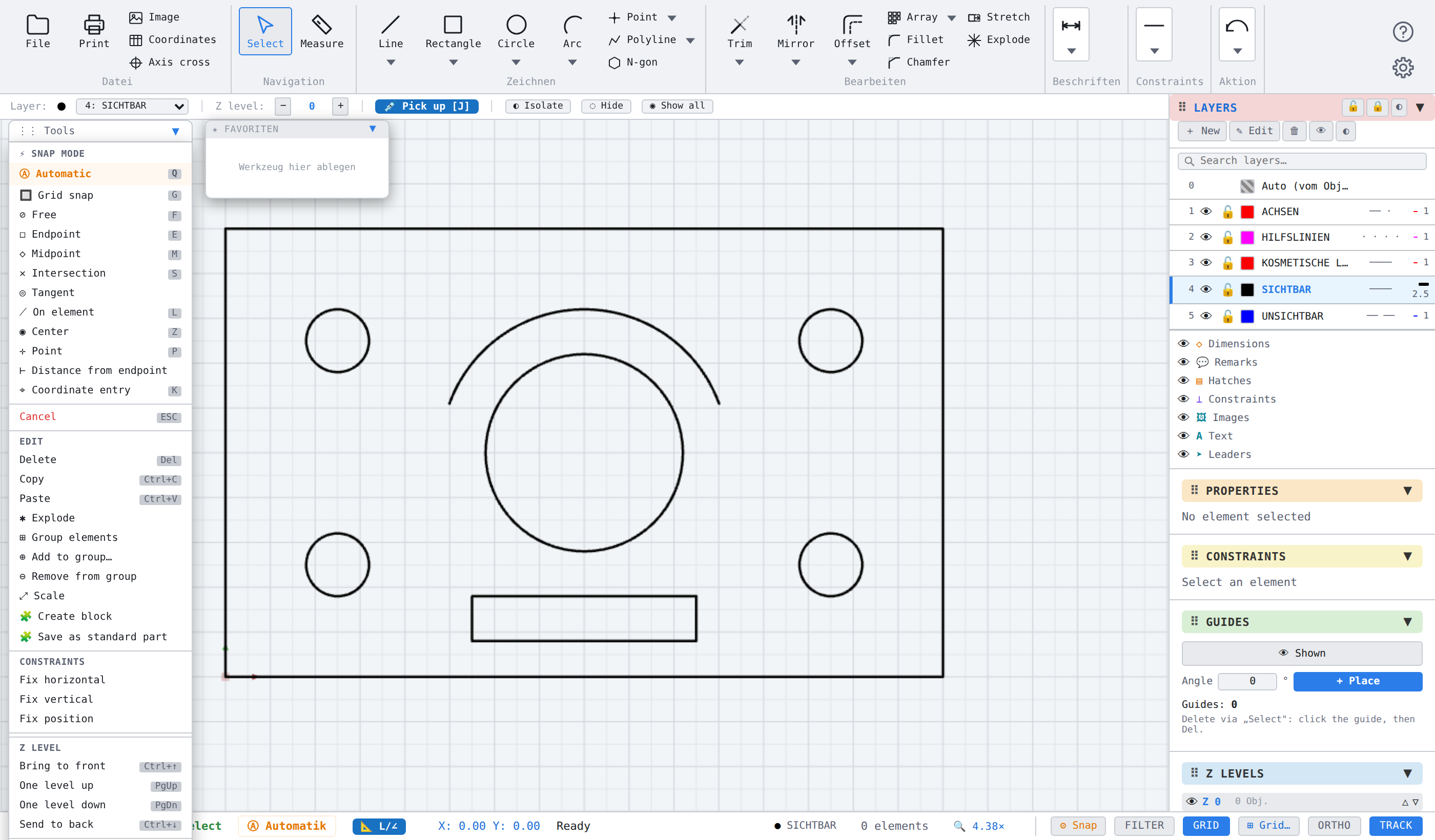
What is LiberoDraft
LiberoDraft draws, dimensions and manages technical drawings in the browser. You need no installation rights and no maintenance: the application is opened through an address and is ready at once. Drawings stay on your computer.
The program covers the whole way from the first line to the printable sheet: drawing and editing, hatching, dimensioning to ISO, Blocks with bills of material and standard parts, layers, paper space with viewports, and DXF import and export.
Where to start looking
- Getting startedScreen layout, ribbon and classic toolbar, mouse and keys, snapping and view.
- How-toShort instructions for single tasks, each linked into the reference.
- TopicsDetailed coverage of connected subjects such as hatching, dimensioning or blocks.
- Command referenceEvery command on its own: purpose, invocation, sequence, options, related commands.
- DialogsEvery window explained field by field.
- MessagesEvery program message with cause and remedy.
- ReferenceKeyboard shortcuts, glossary and index.
Search instead of browsing
The search field at the top searches the whole help and shows matches while you type. Press / on any page to jump into the search field and Esc to leave it.
Every image in this help can be clicked and is then shown full screen.