
Create a first drawing
Goal
Draw a base plate 120 × 80 mm with a hole, let the dimensions be created along, and save the drawing as a file.
Steps
- Ctrl + N for a new drawing; at the prompt Discard unsaved changes? save first.
- R (rectangle), click on the drawing area, type 120, Tab, type 80, Enter. The rectangle stands, width and height dimension hang on it.
- C (circle), click roughly in the middle of the plate, type 12, Enter. The diameter dimension is created along.
- N (line) for a centre line: M (snap midpoint), click the left plate edge, then click the right plate edge, Esc — the line runs from edge midpoint to edge midpoint.
- A — the drawing is fitted.
- Ctrl + S: choose location and name (Chrome/Edge) or download (Firefox/Safari).
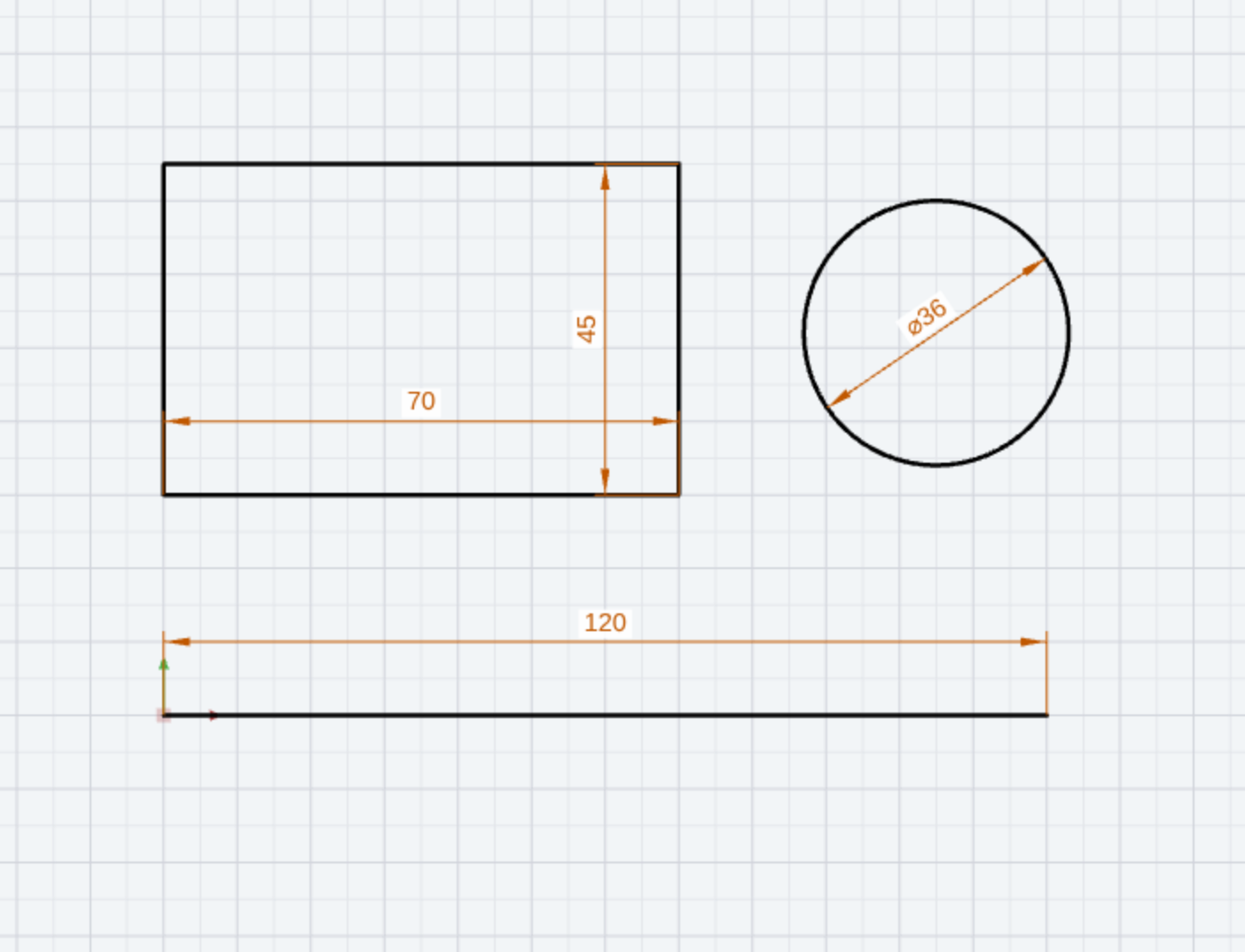
Result
The status bar reports Saved: name.cad2d; the browser tab shows the name without ●. Every further change you save with Ctrl + S.
Tip
If the dimensions are missing, the checkbox Create dimension while drawing in the Settings dialog is not set. If an input is wrong, Ctrl + Z takes back the last step.