
Day/night mode (theme)
Purpose
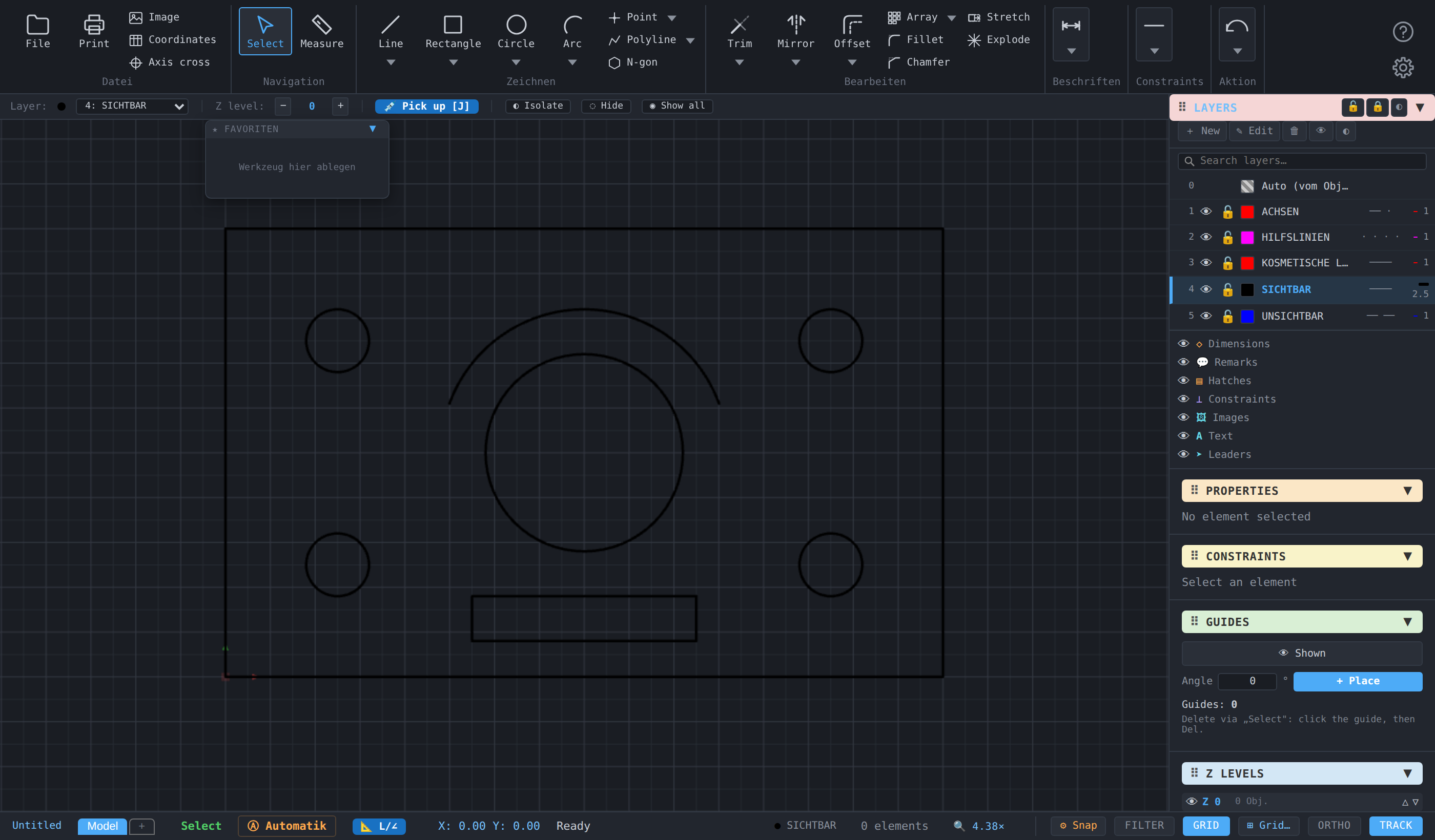
Switches between the light day mode (factory) and the dark night mode. The choice is remembered and applied again at the next start.
Access
- Ribbon: gear on the right (1), entry ☀️ Night mode or 🌙 Day mode (2) — the row names the target state.
- Classic toolbar: gear on the right, the same entry.
- Command search : type night, dark or theme, entry Day/night mode (theme) (category View).

Procedure
One click is enough; the switch applies at once to bars, windows, panel and drawing area. The next time the gear window opens, the row names the other mode.
Options
None. The colour of the dimension texts follows: the factory orange is darker in day mode (#c05800), lighter in night mode (#ffa94d) — a dimension colour of your own stays unchanged. The mode is stored in the key cad2d_theme; Factory defaults resets it to day.
Related commands
- Switch ribbon / classic toolbar — the other choice of interface
- Save/load settings — glow effect and grid contrast adjust the appearance further