
Reading in a DXF file
Goal
Take over a drawing from another CAD program and prepare it so that you can carry on working with it in LiberoDraft.
Steps
- If the layer names of the other party recur regularly: create a DXF profile beforehand and set it active.
- File menu File → “⬆ Import DXF” (2), choose the file.
- The view fits; the status bar names the number of entities.
- Check in the import overview what has arrived. If there are polylines that need dimensioning, leave the tick “explode polylines into lines” and press “Apply”.
- If the dialog Check & clean up drawing appears, clean up the finding types under “DATA AND REFERENCES”.
- Go through the new layers in the panel “Layer”, rename them and assign colours.

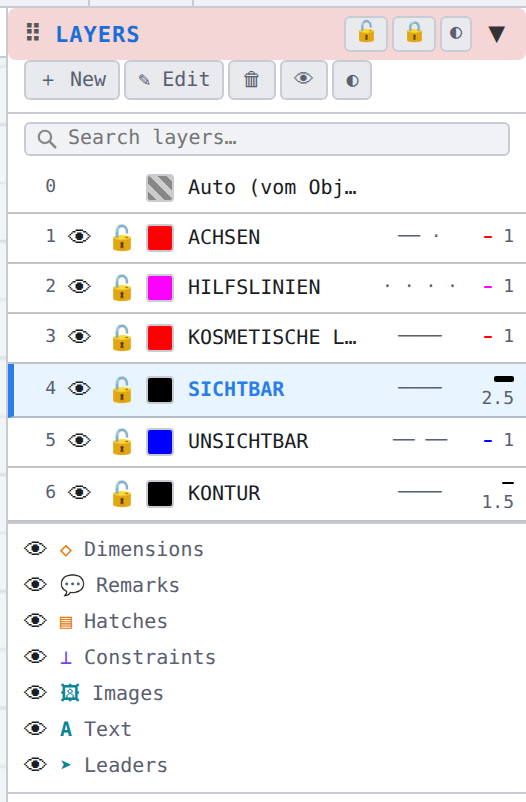
Result
The foreign geometry sits on comprehensible layers, without duplicates and zero lengths, and can be dimensioned and changed.
Tip
If something does not fit, Ctrl + Z takes back the whole import together with the layers created, in one step.