⚡
Ready in seconds
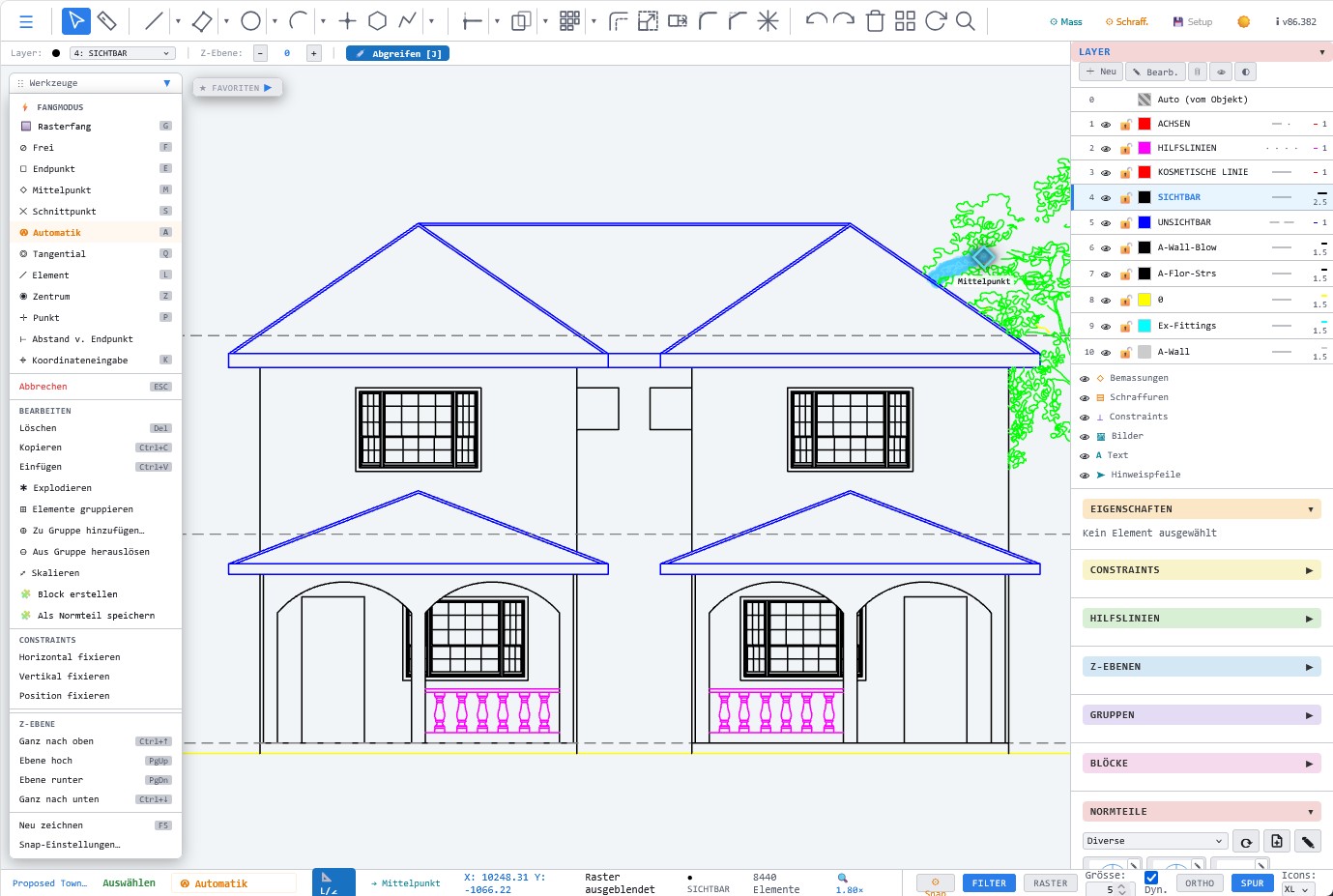
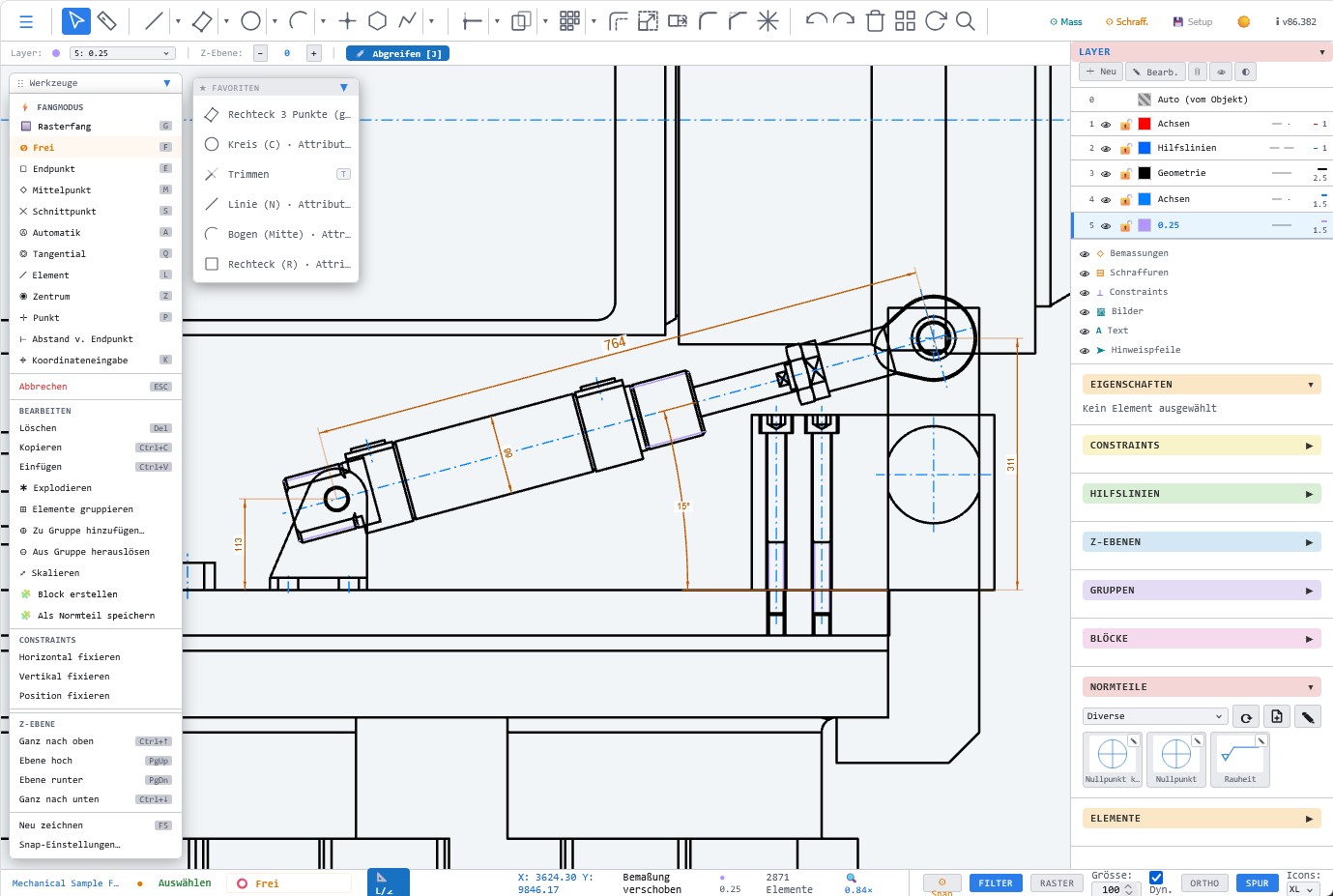
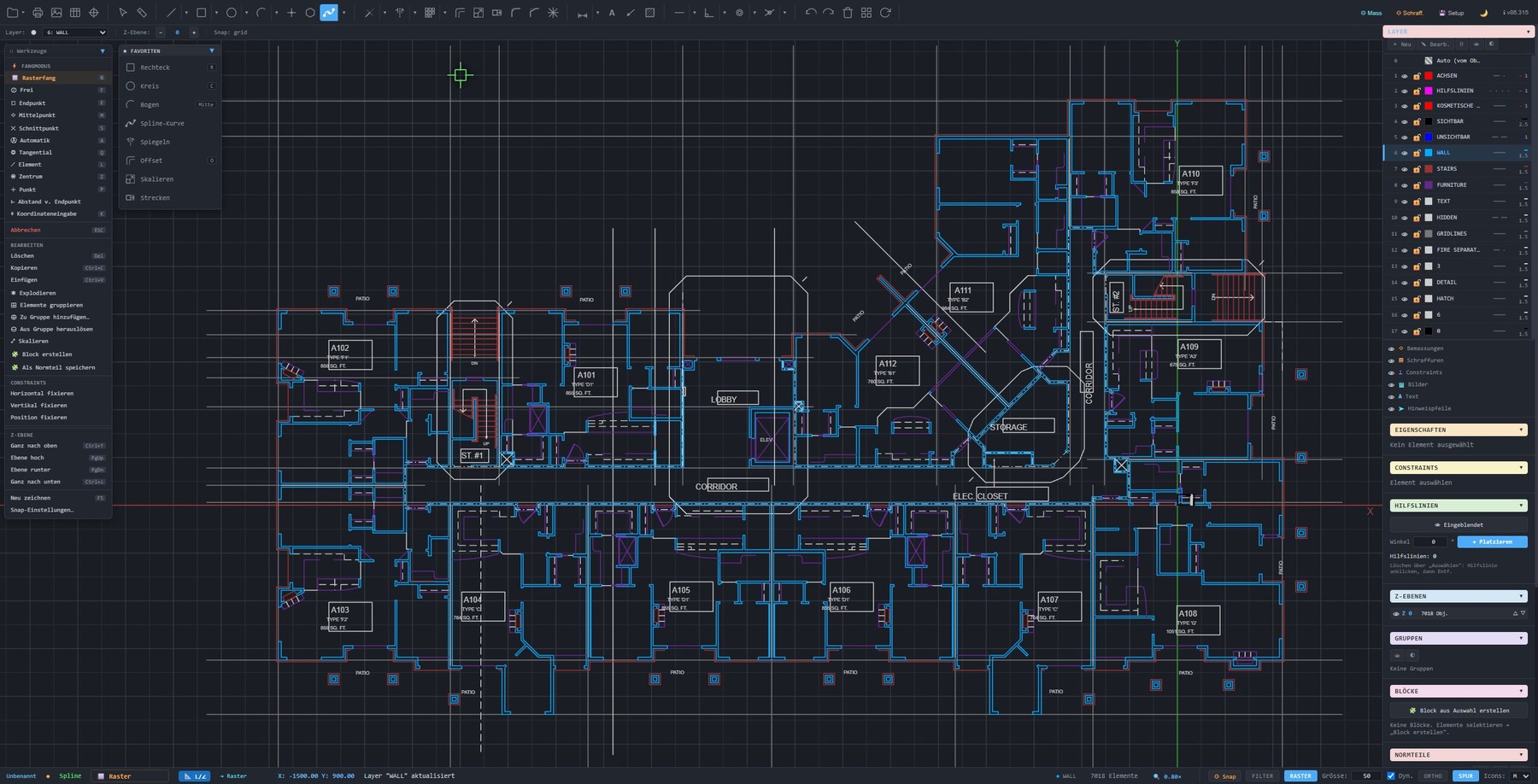
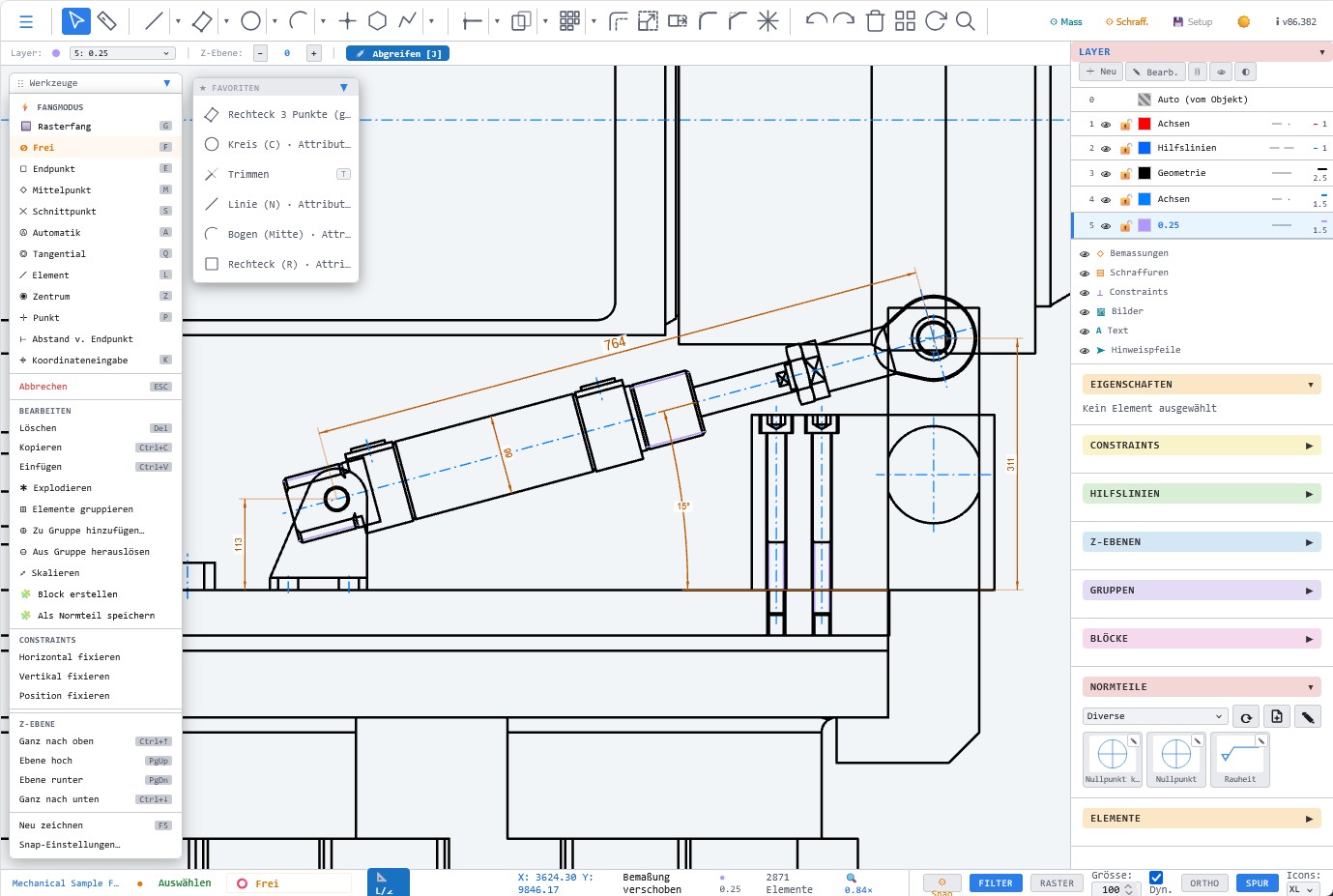
LiberoDraft opens directly in the web browser. No installer, no long updates and no heavy CAD environment for simple drawings.
💾
Save locally
Save as many own files as you like locally on your computer. LiberoDraft does not force you into a cloud.
📐
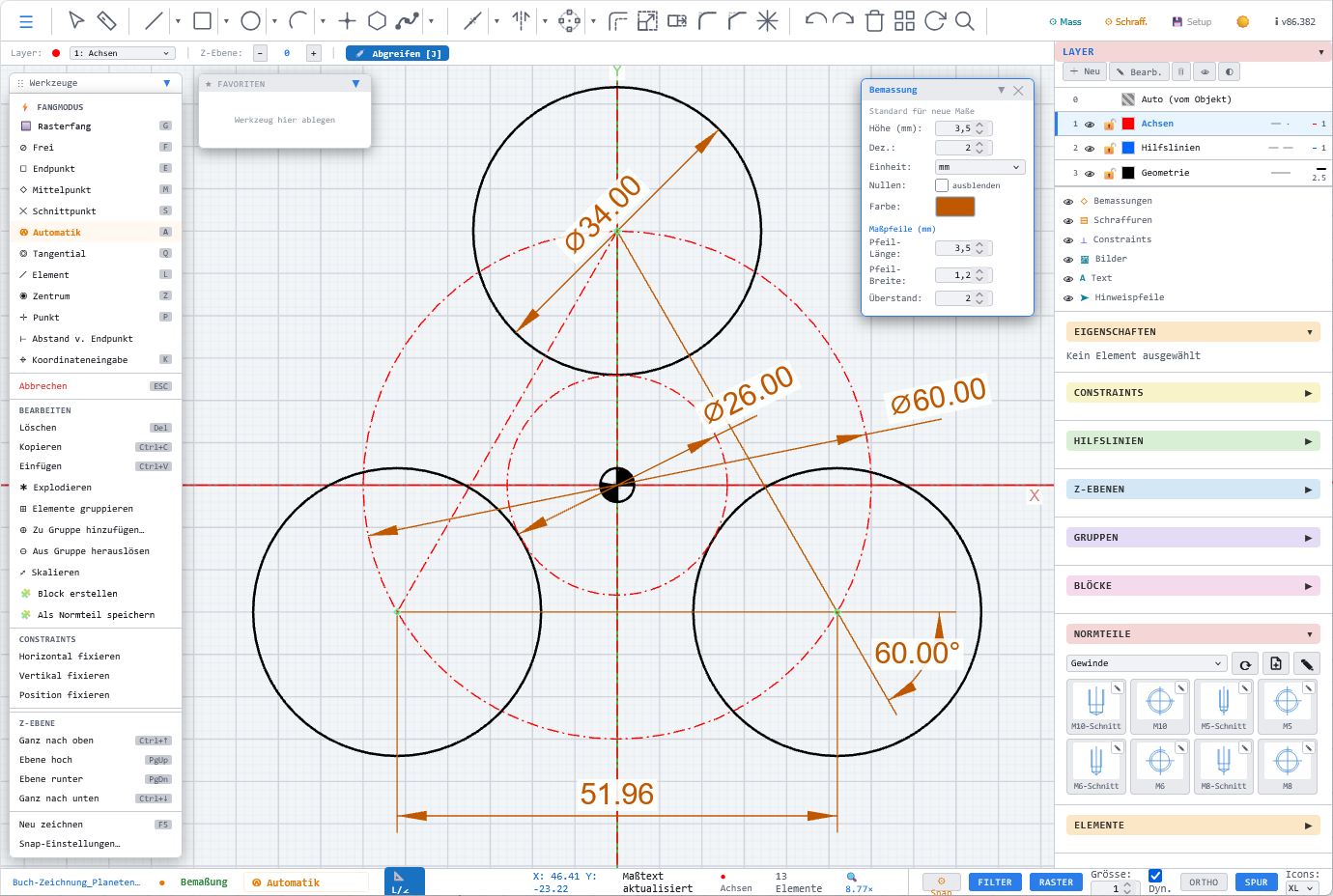
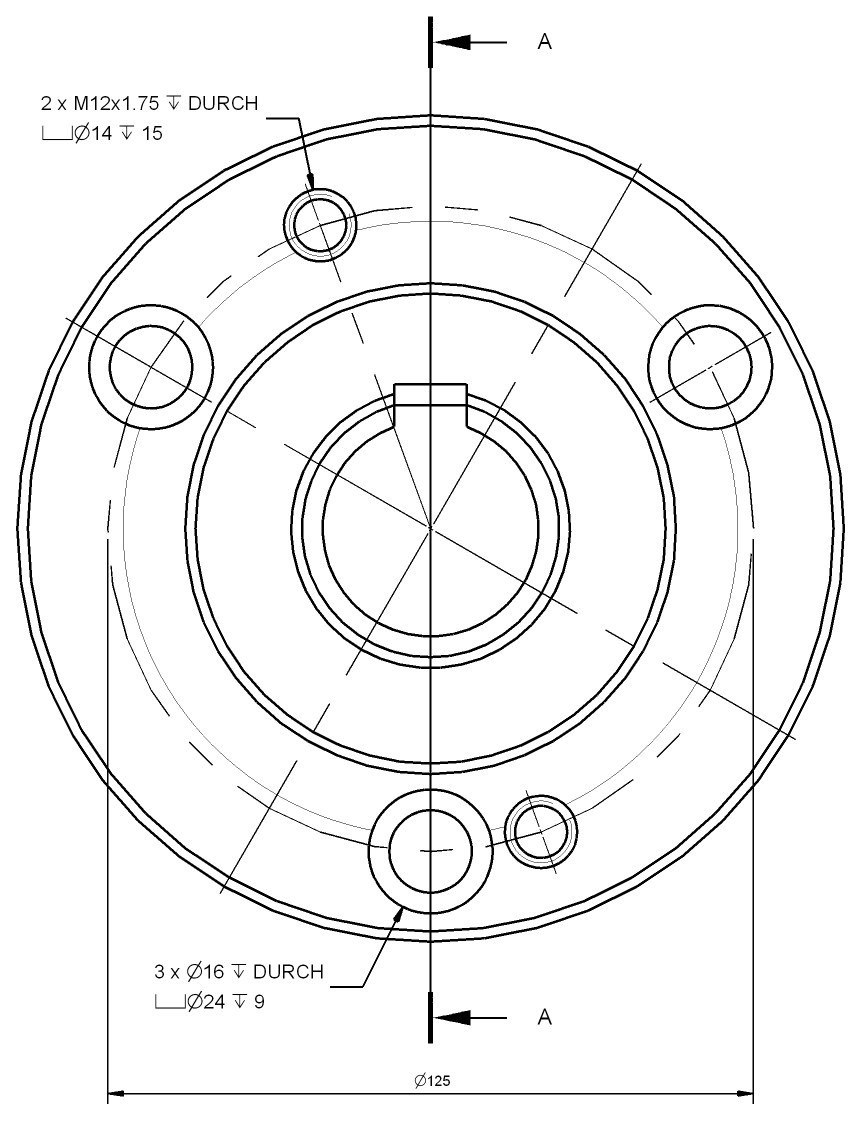
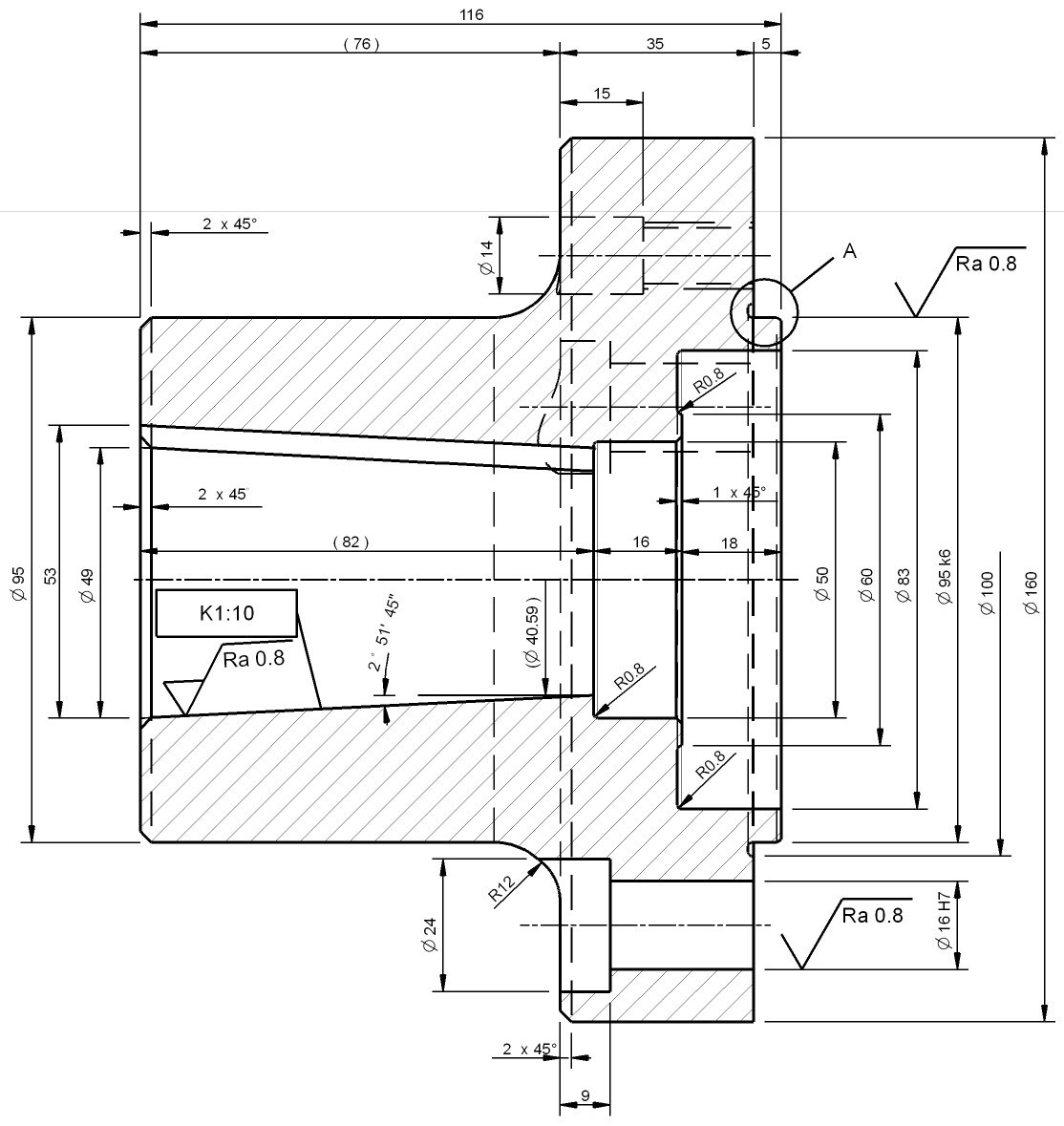
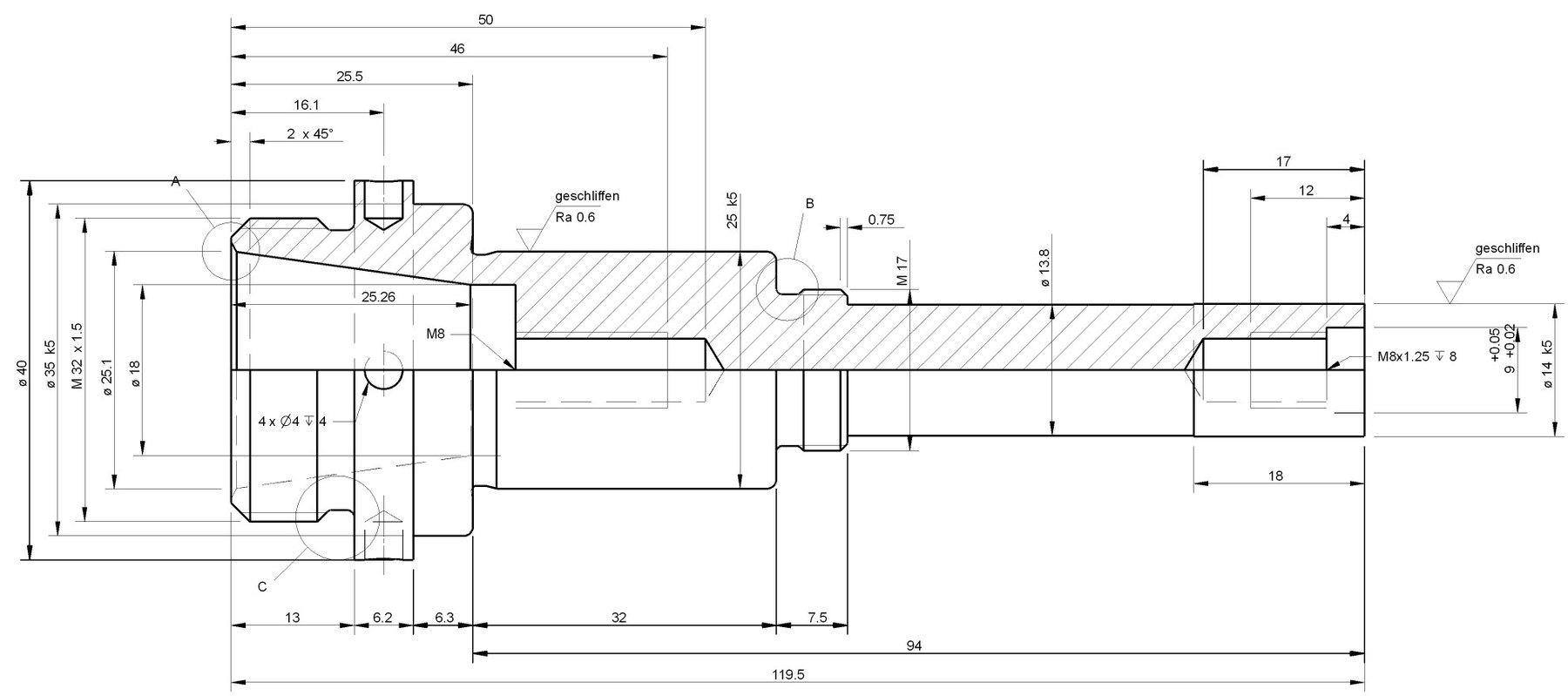
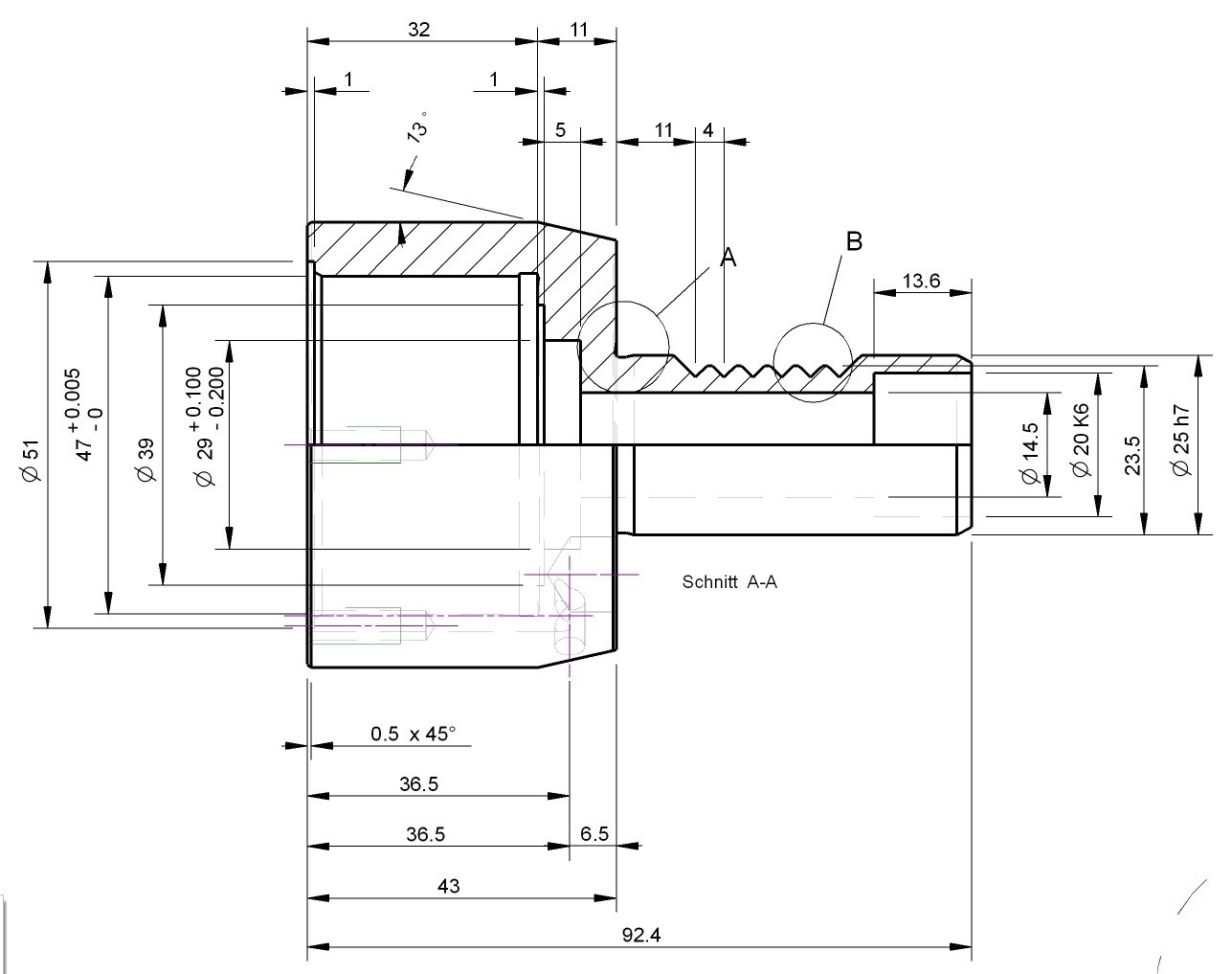
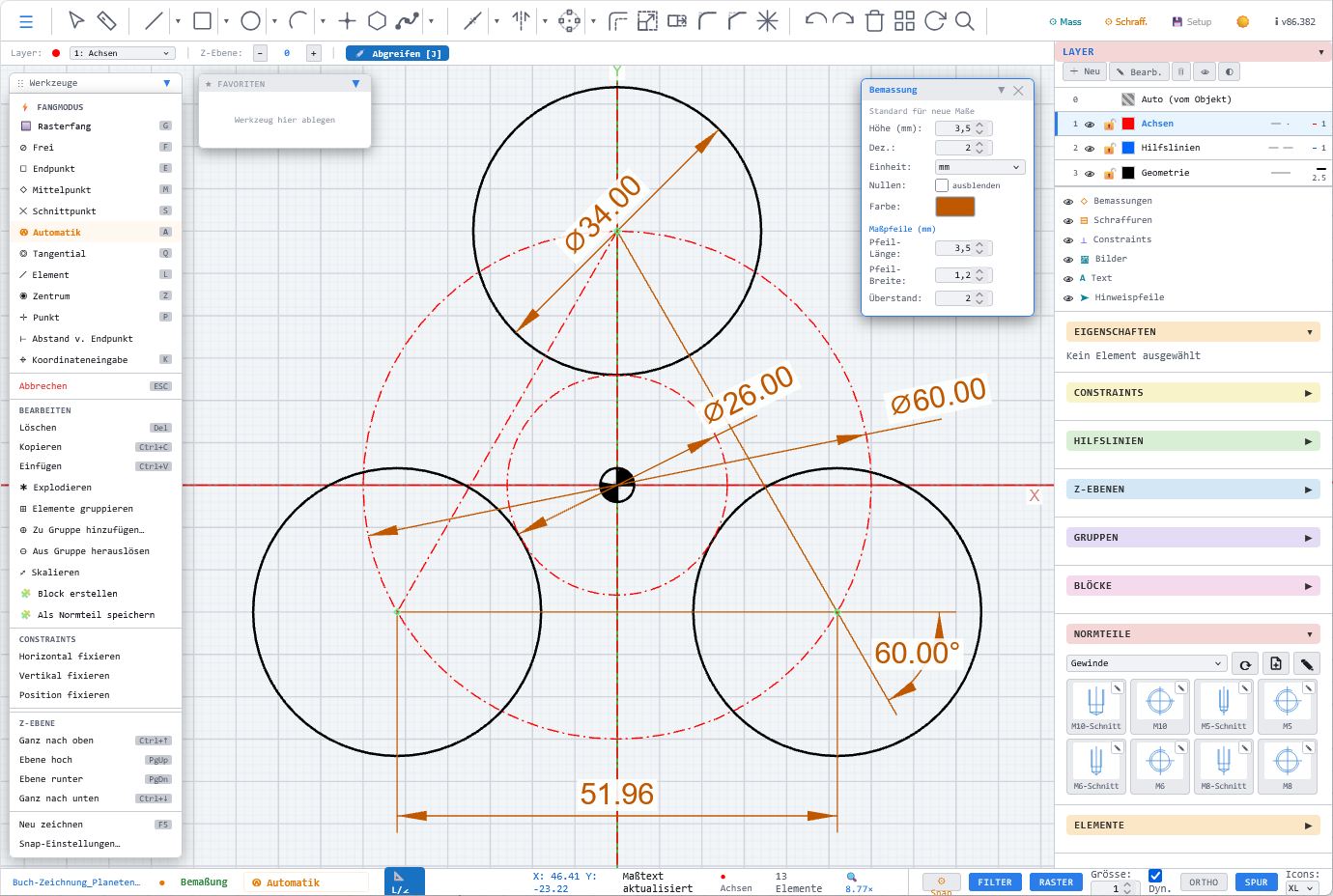
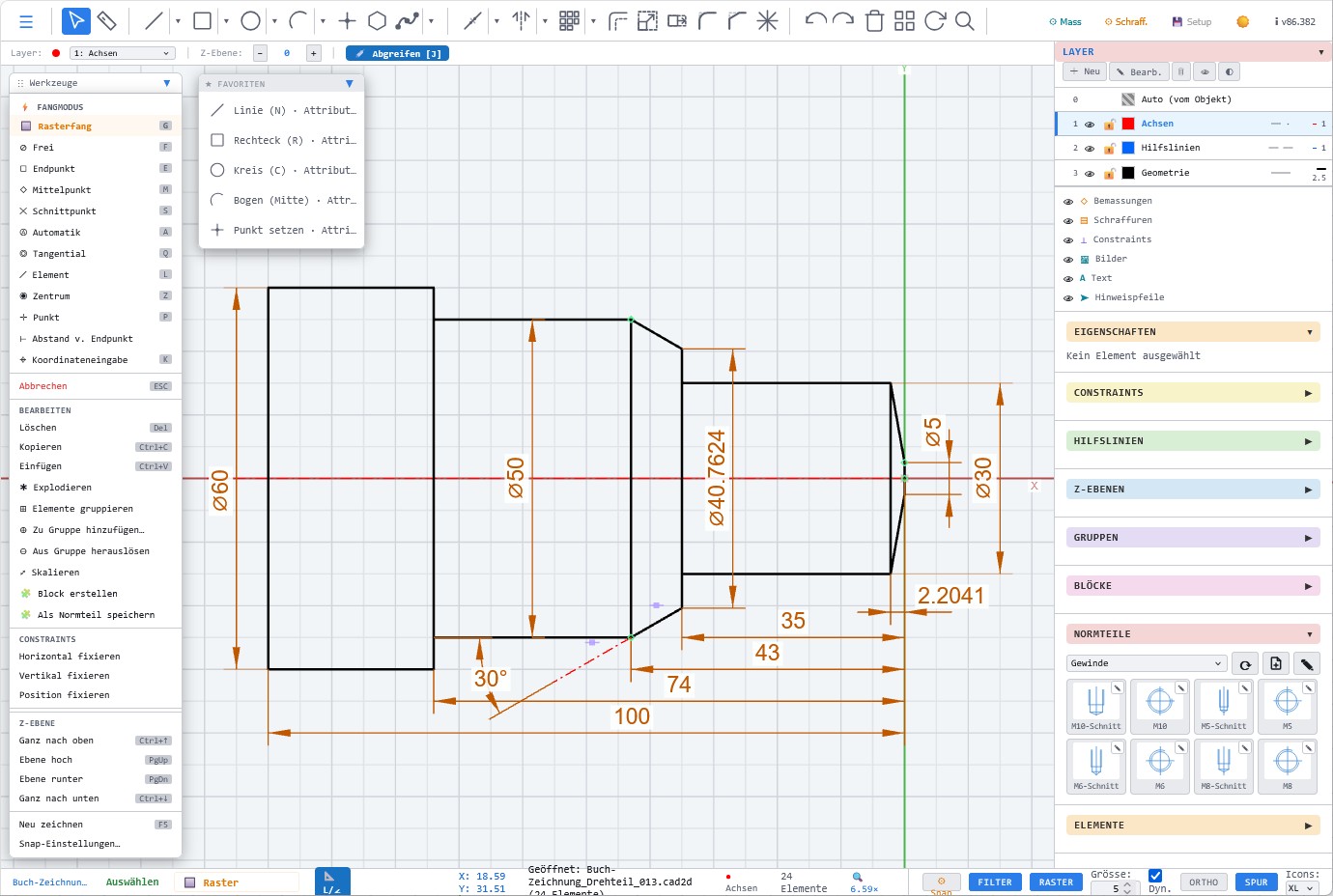
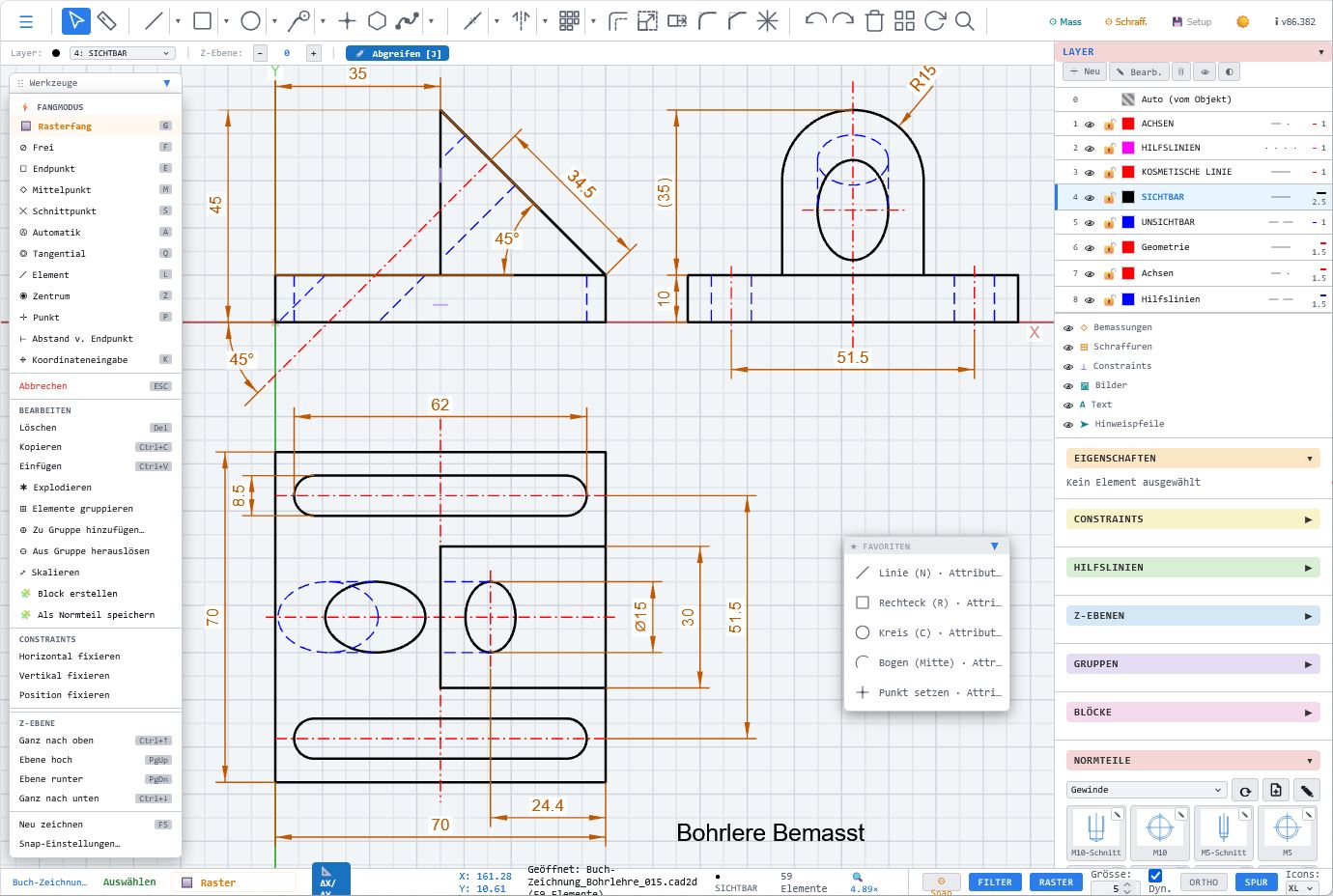
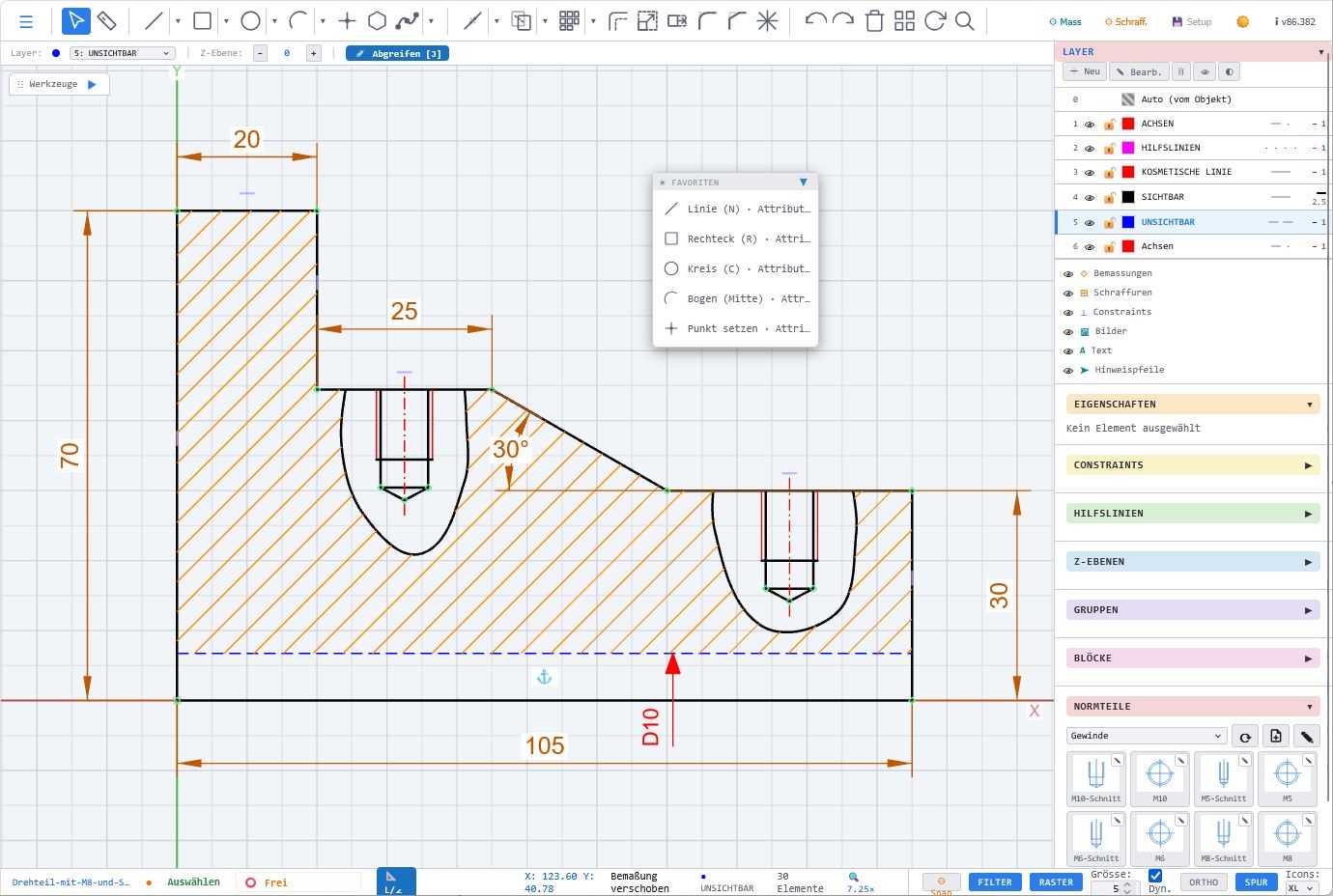
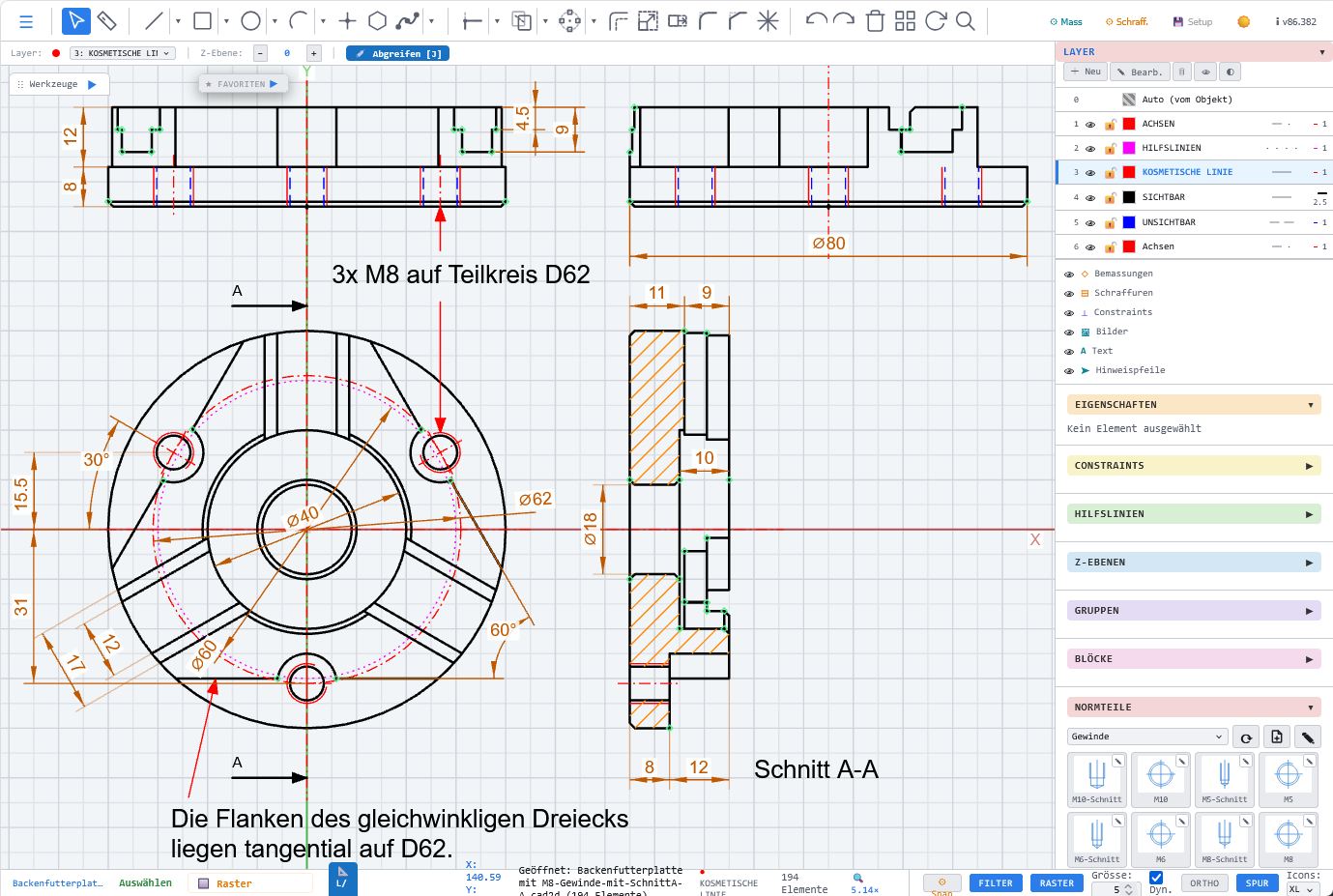
Precise dimensioning
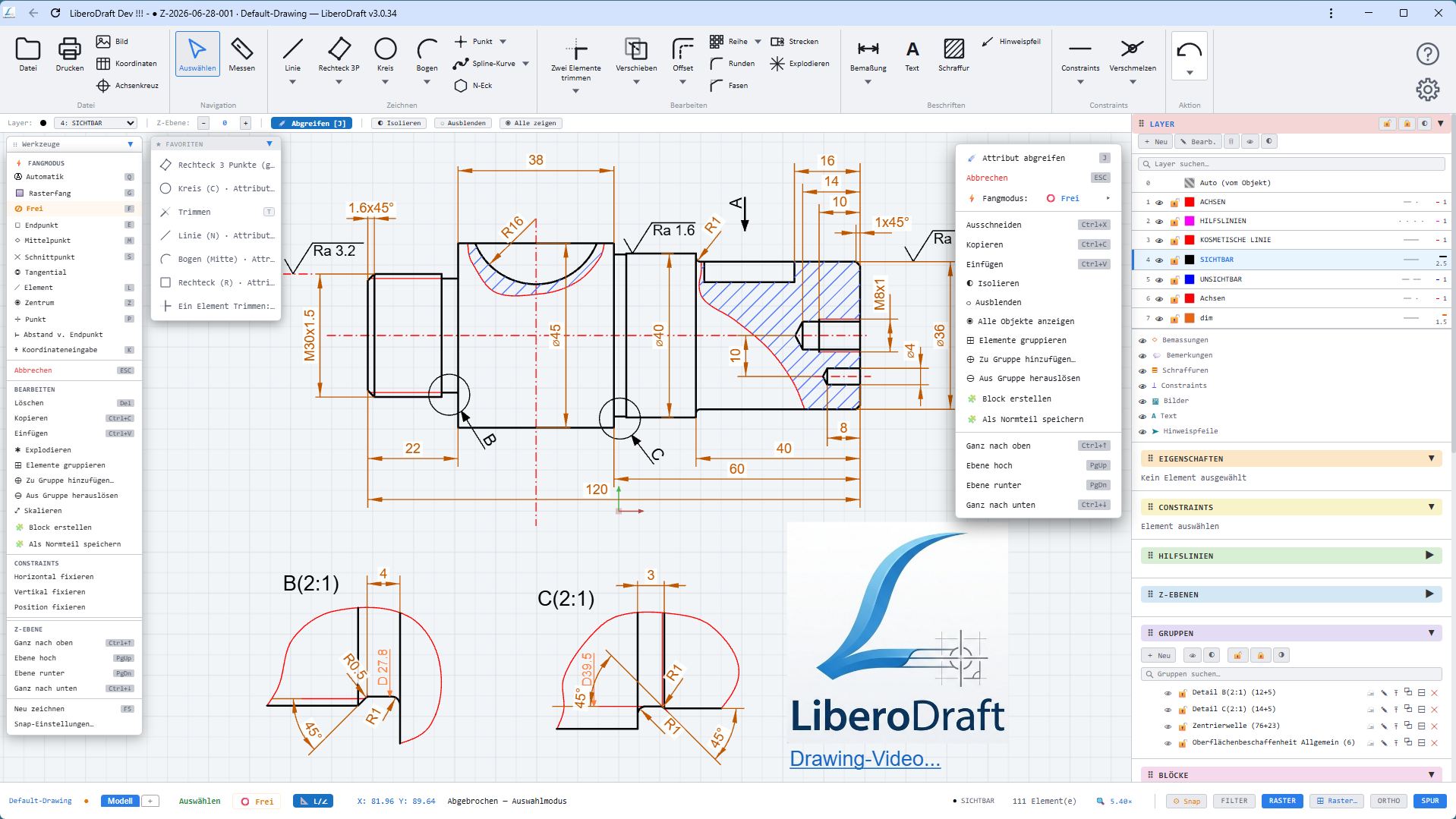
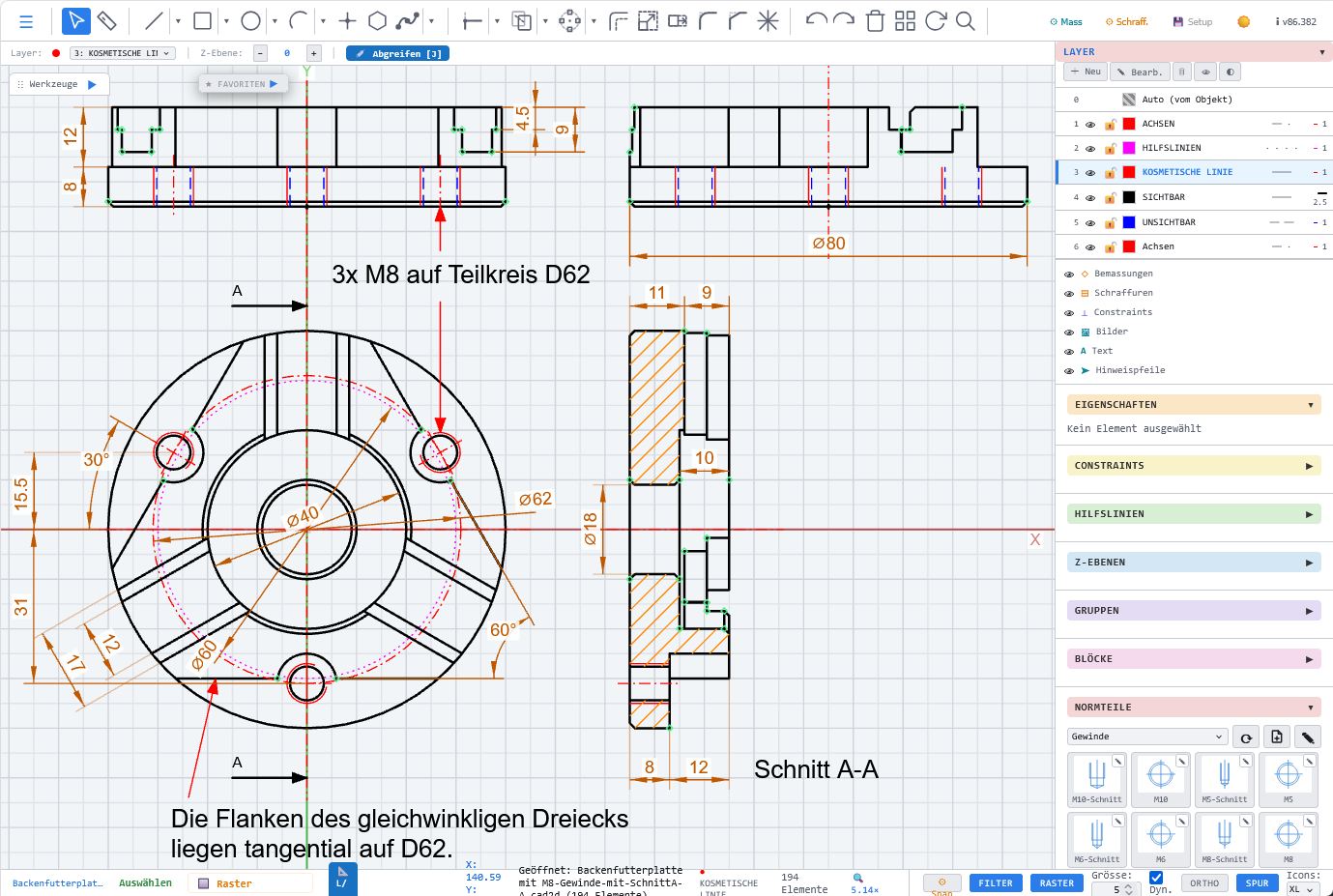
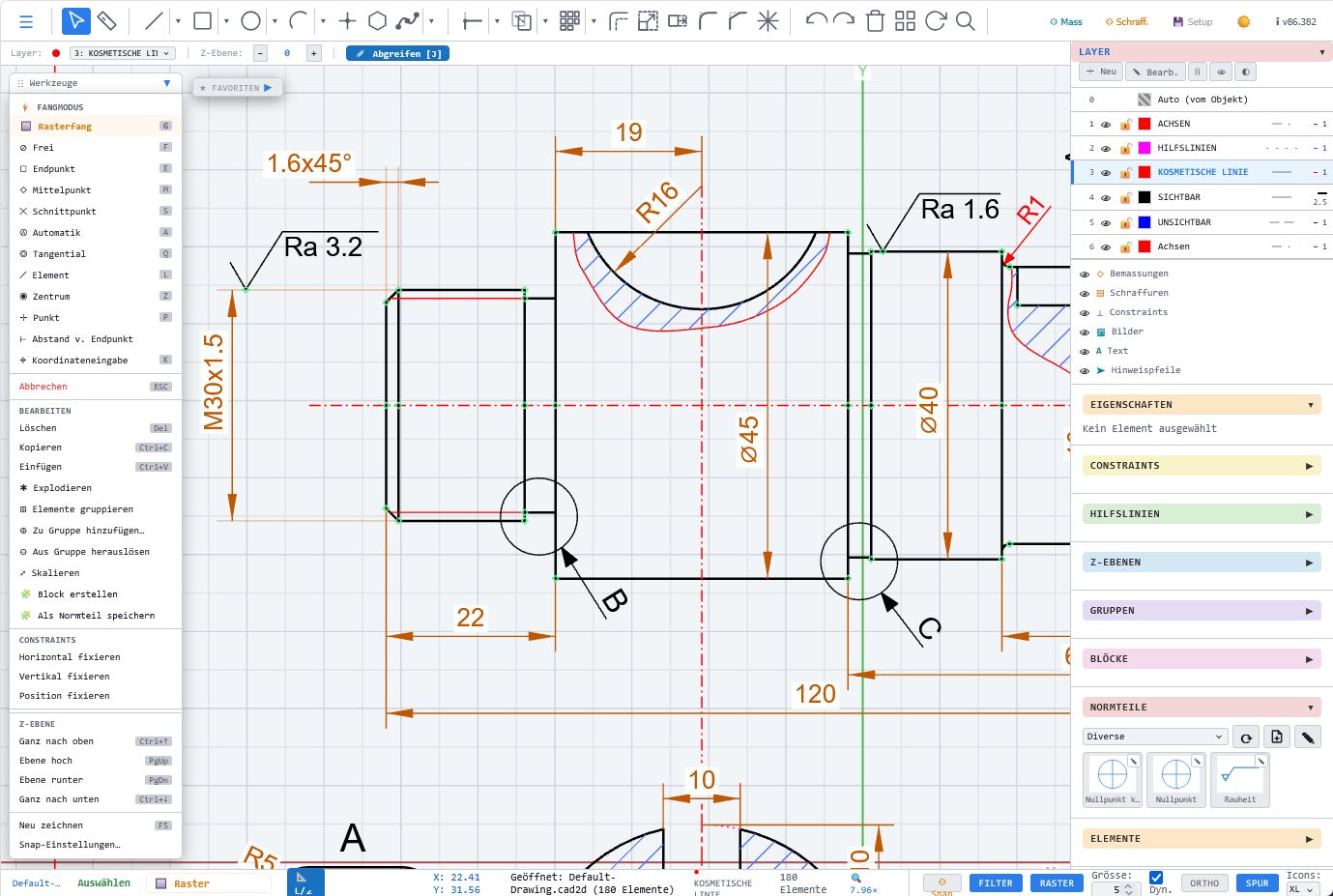
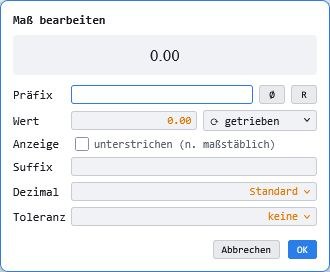
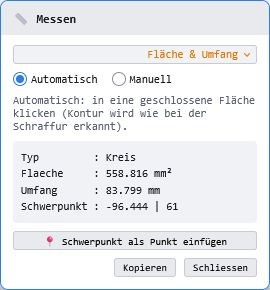
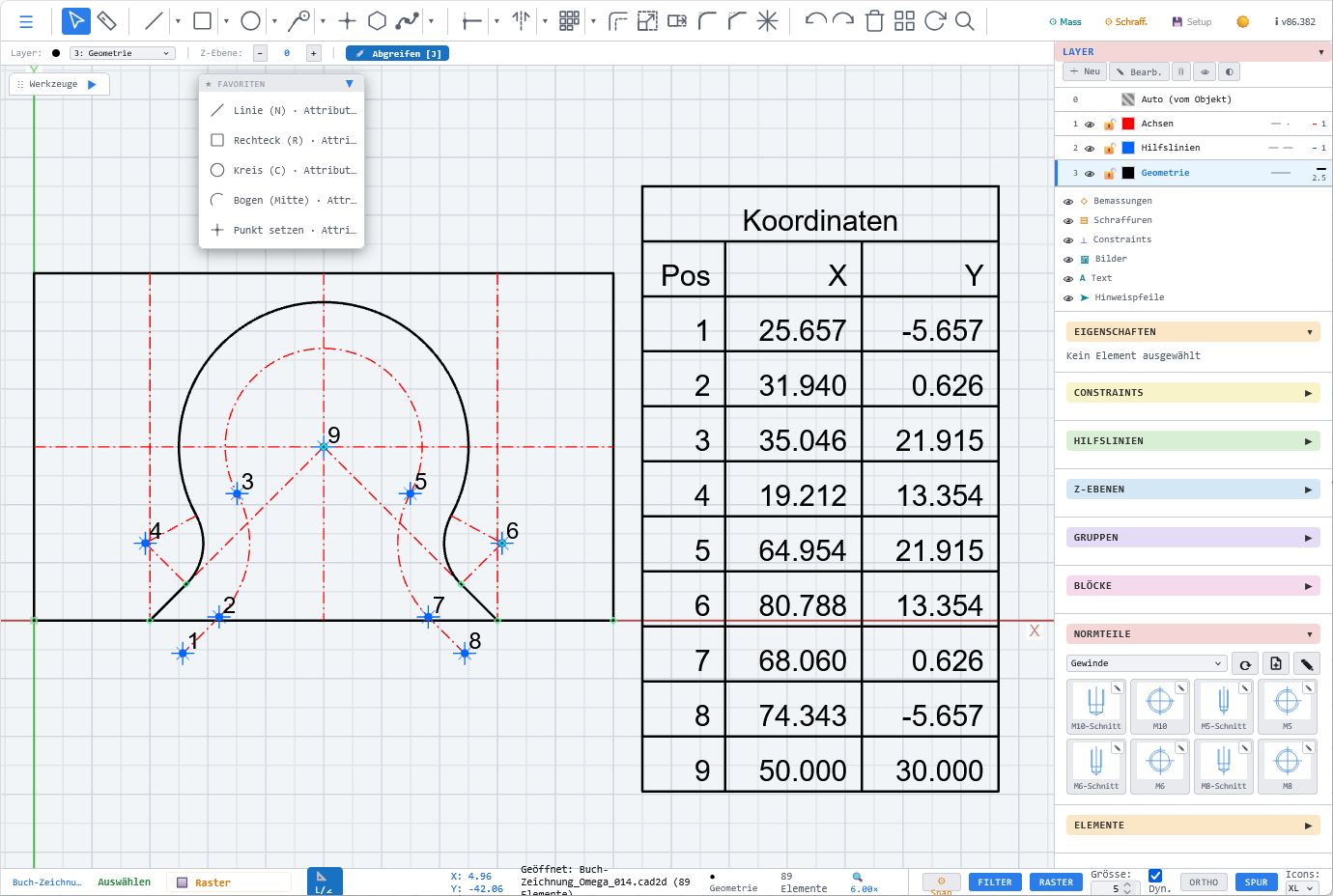
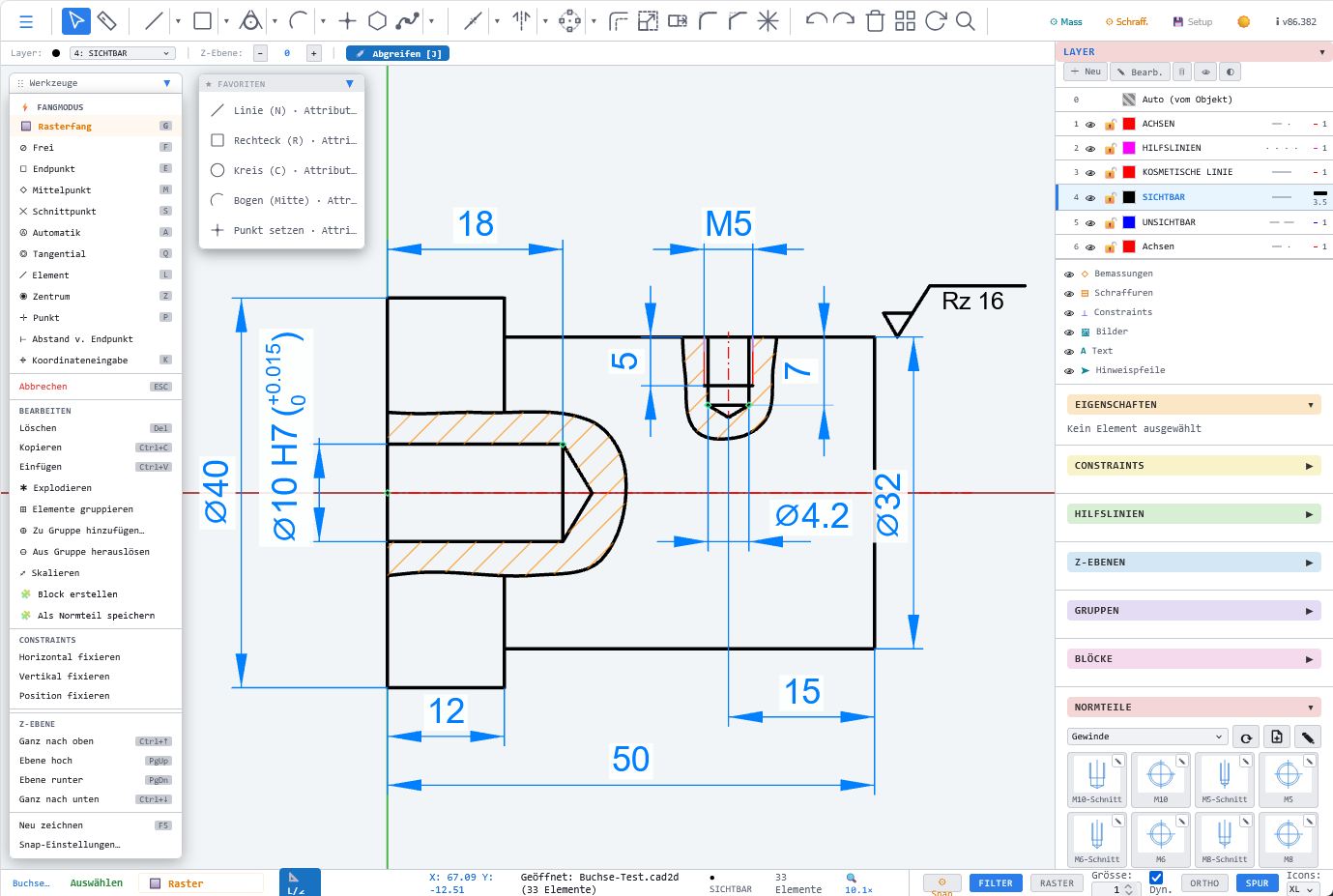
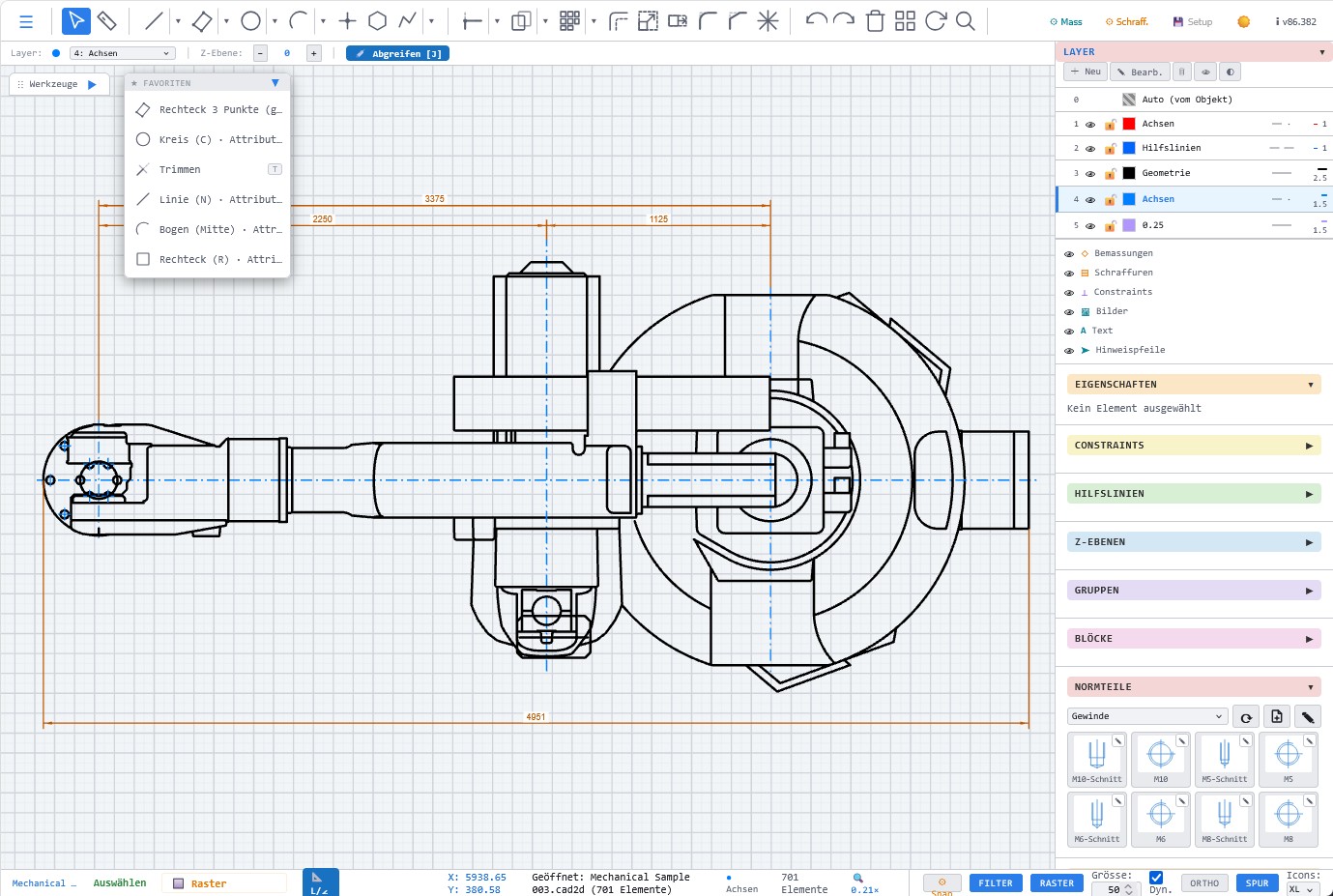
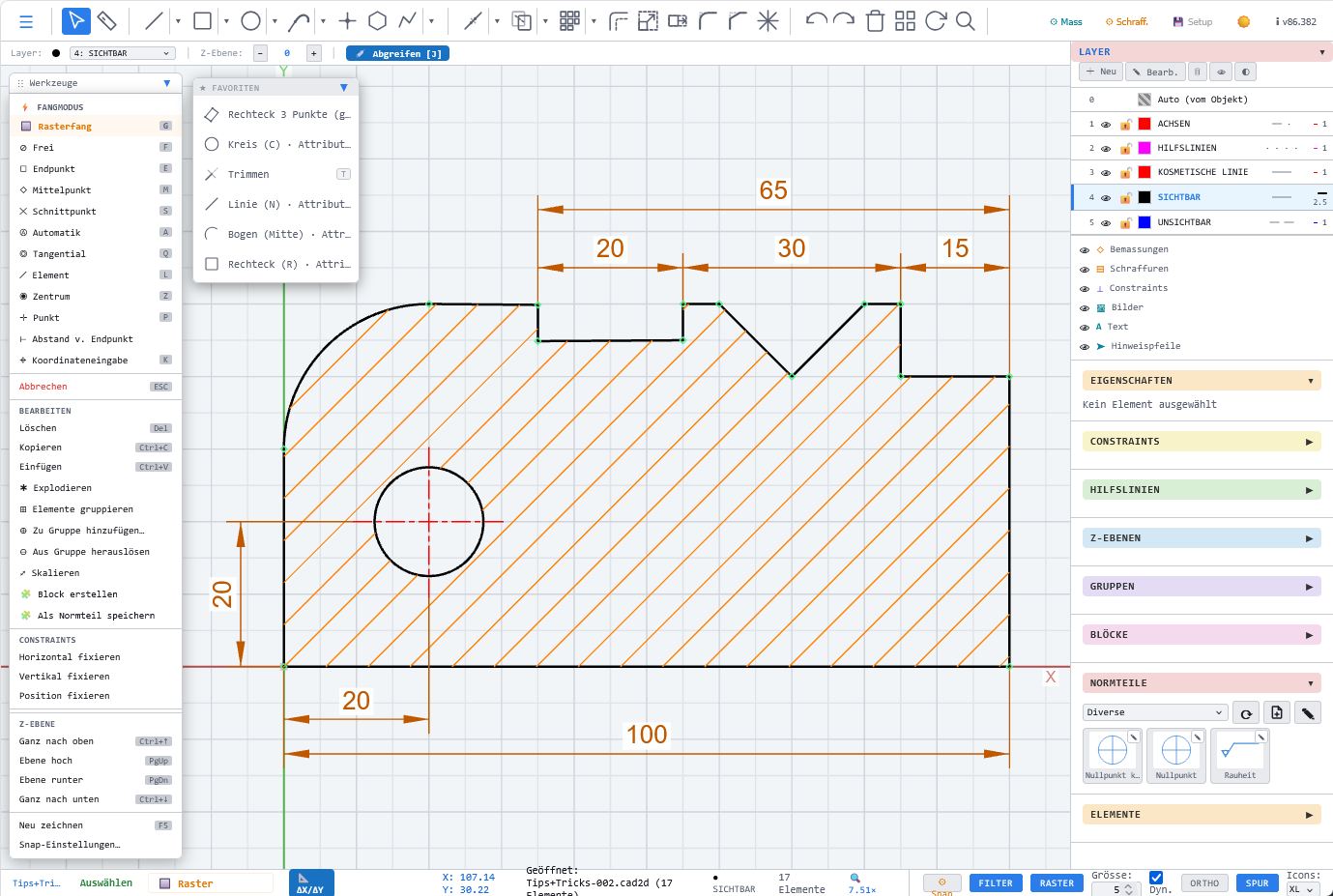
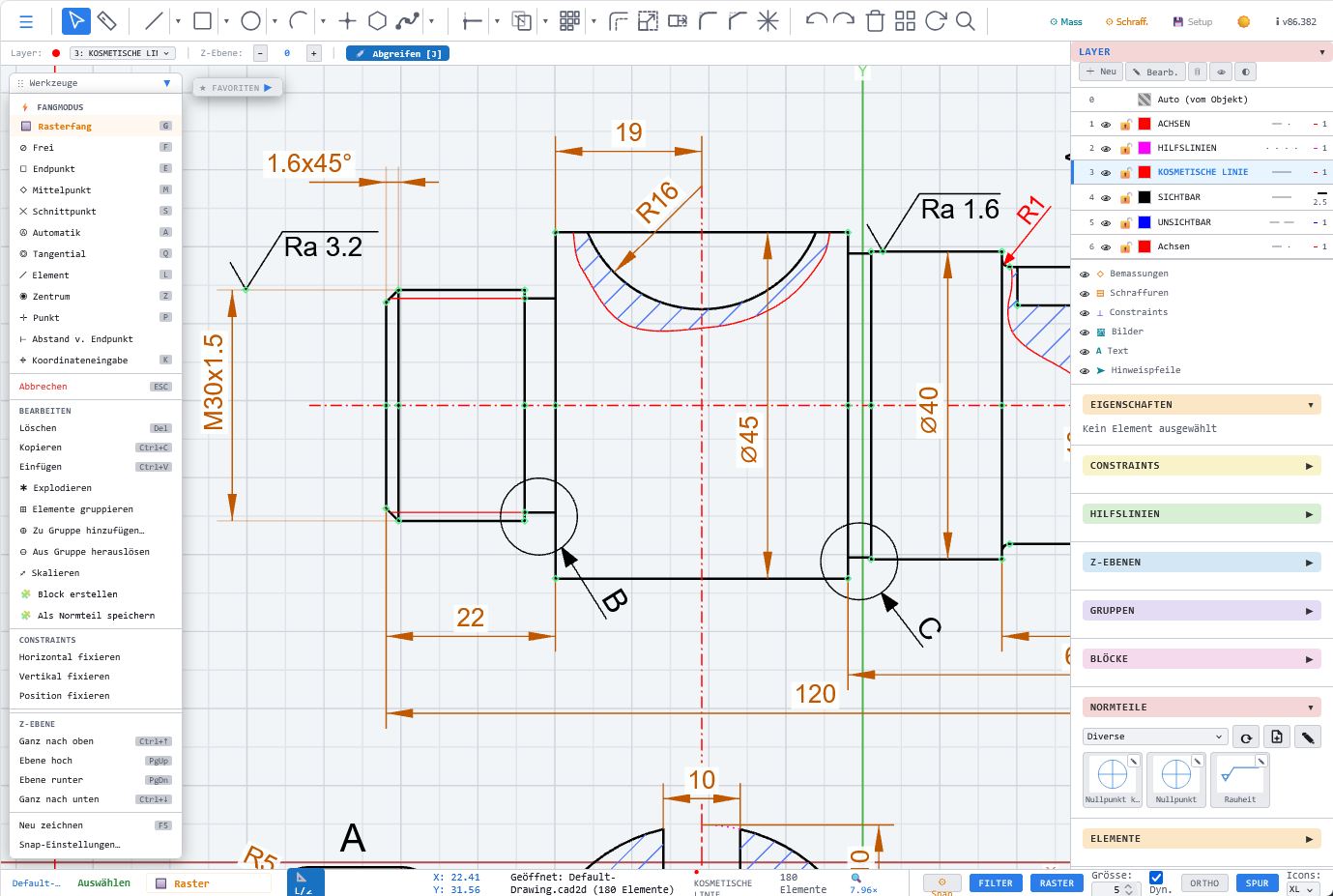
Automatic tolerance fields, coordinate tables, snapping tools and hatching support clean technical documentation.
🌍
Platform-independent
Windows, Mac, Linux, tablet or iPad – all you need is a modern browser.
🧩
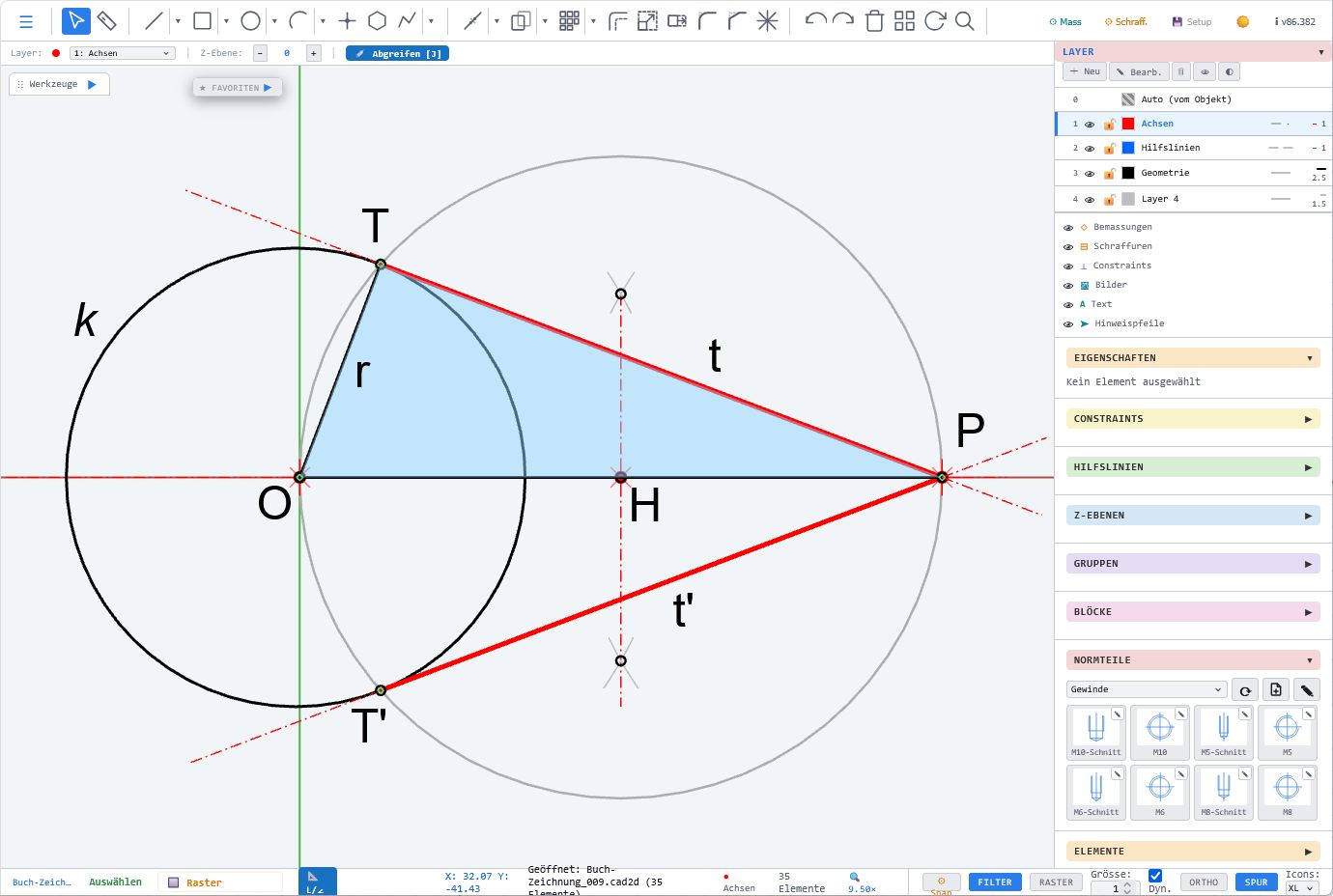
Constraints & sketches
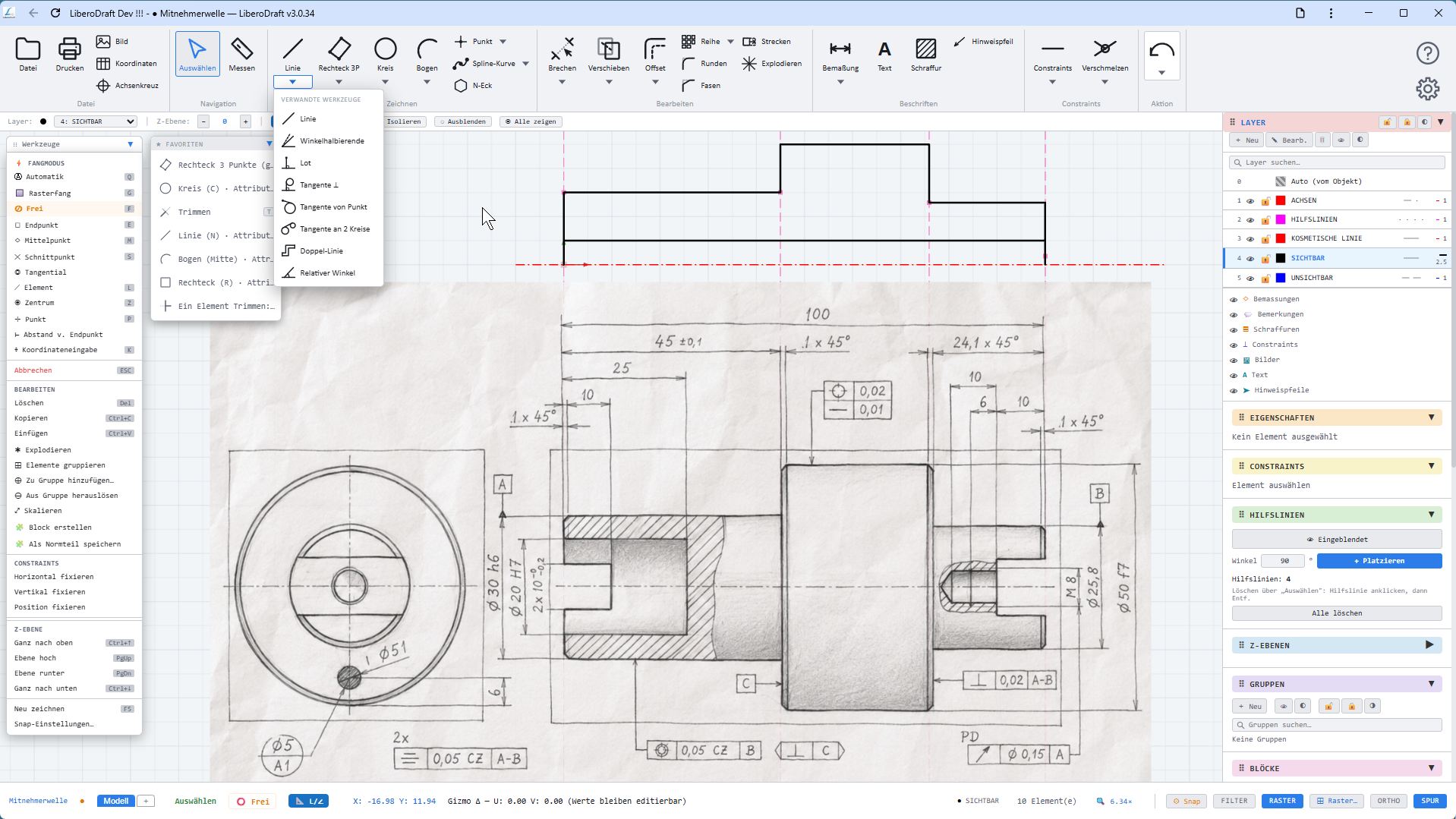
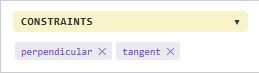
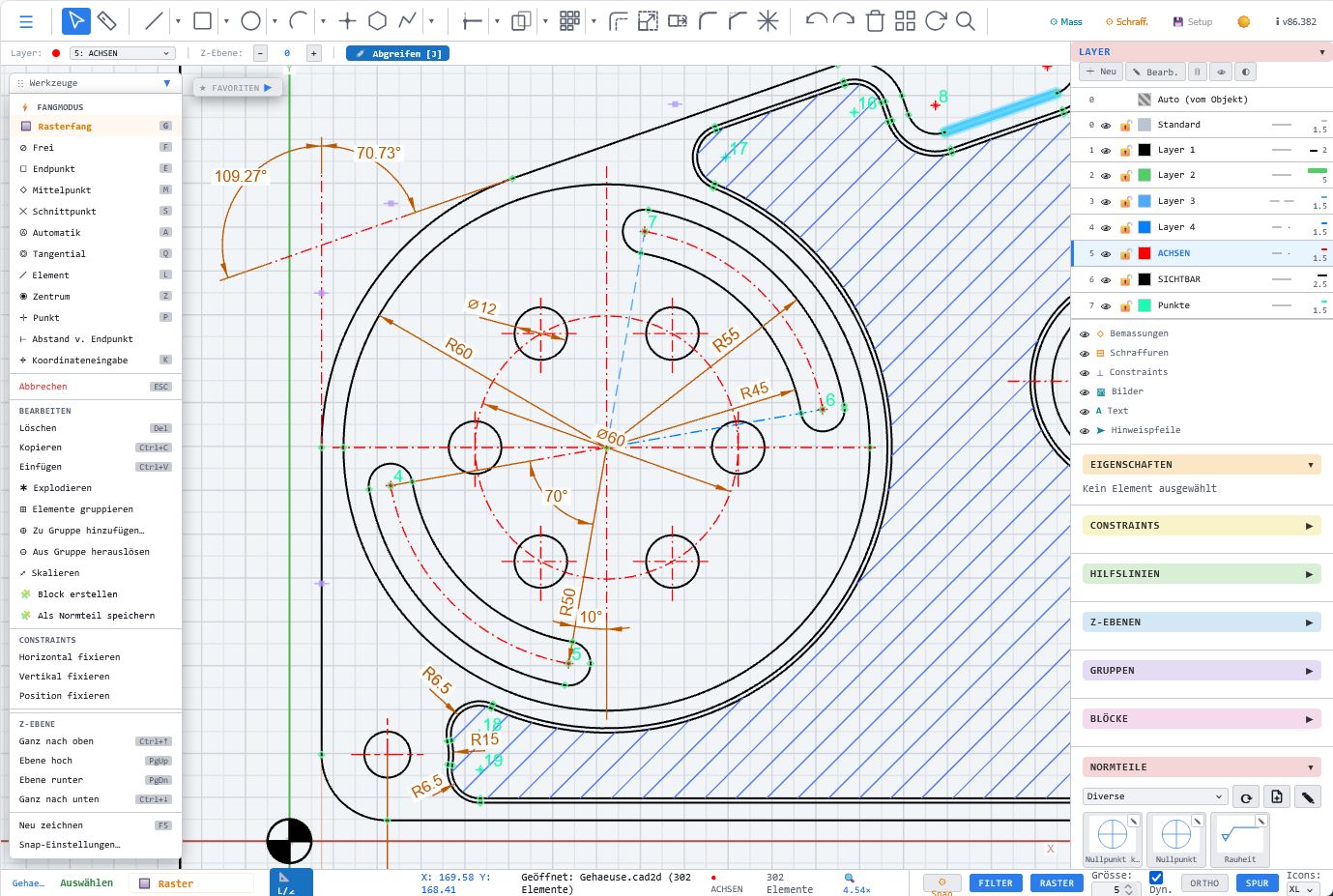
LiberoDraft combines classic 2D CAD with constraint-based sketches for controlled geometry.
🔄
Open output
DXF, SVG and PDF output keep your drawings usable in workshops, training and downstream processes.
✓Runs in Chrome, Firefox, Edge, Brave, and other modern browsers.
✓Runs on Windows, macOS, and Linux, as well as on many tablets.
✓Launches in seconds, no installation required.
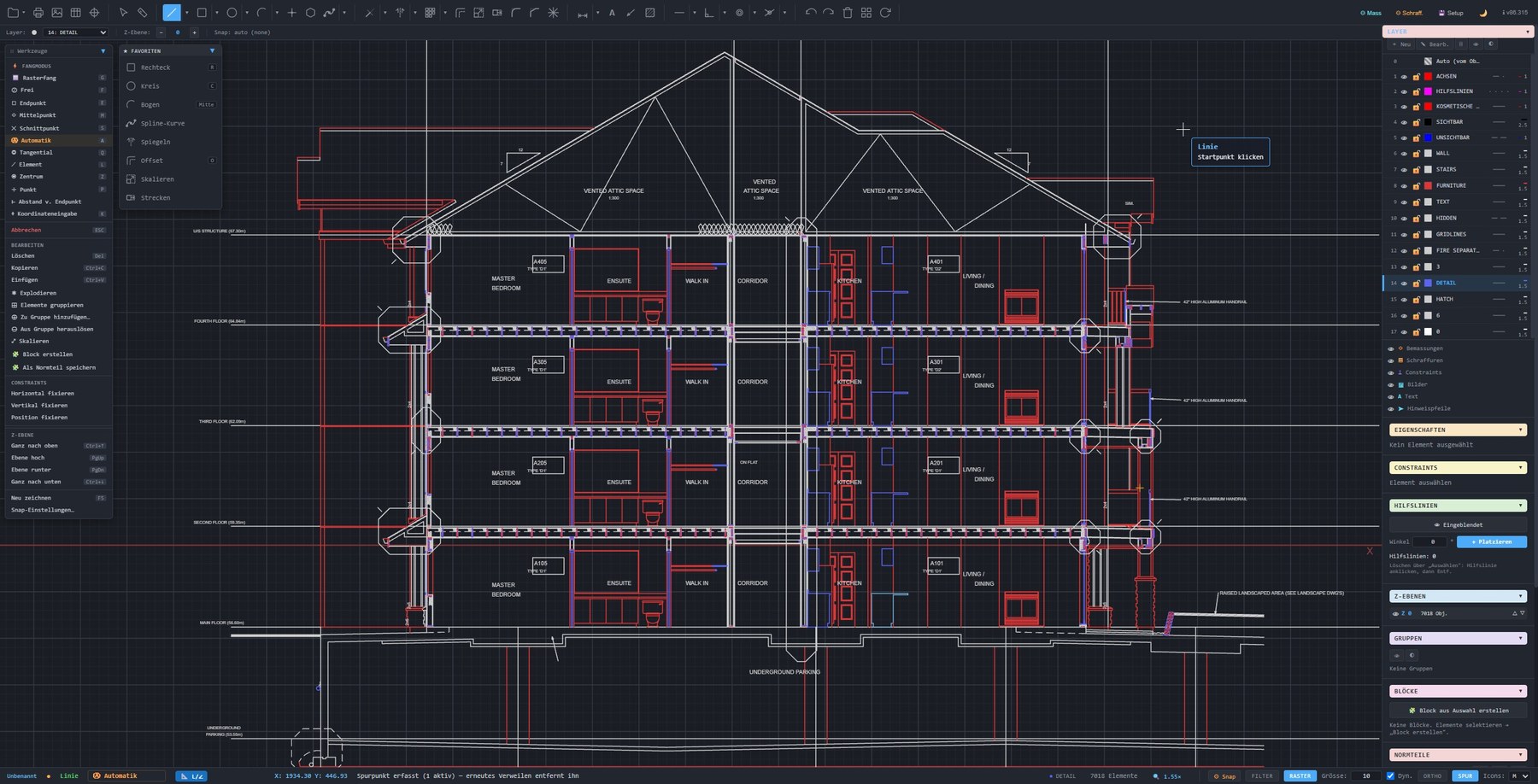
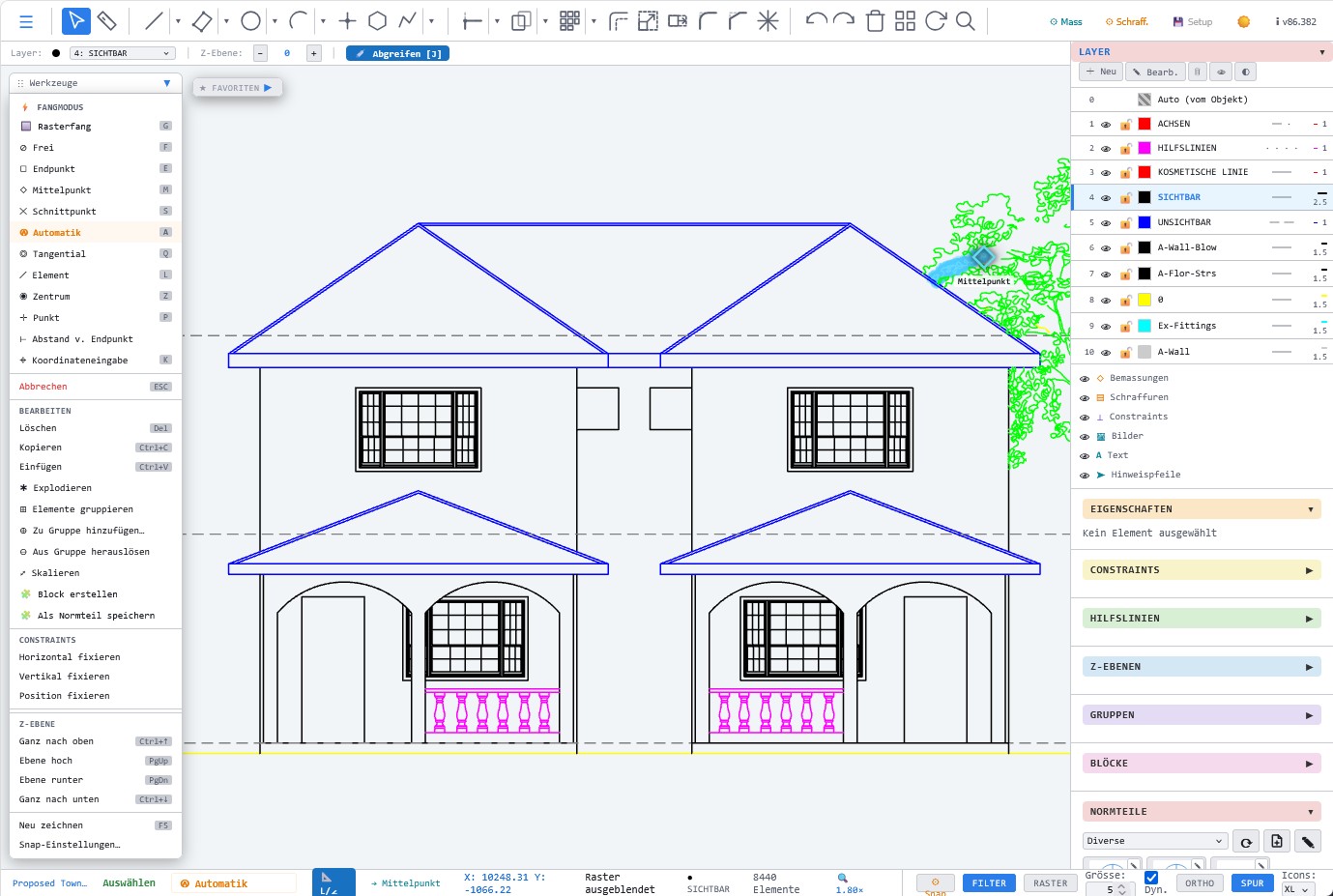
✓Intuitive interface focused on fast 2D drafting.
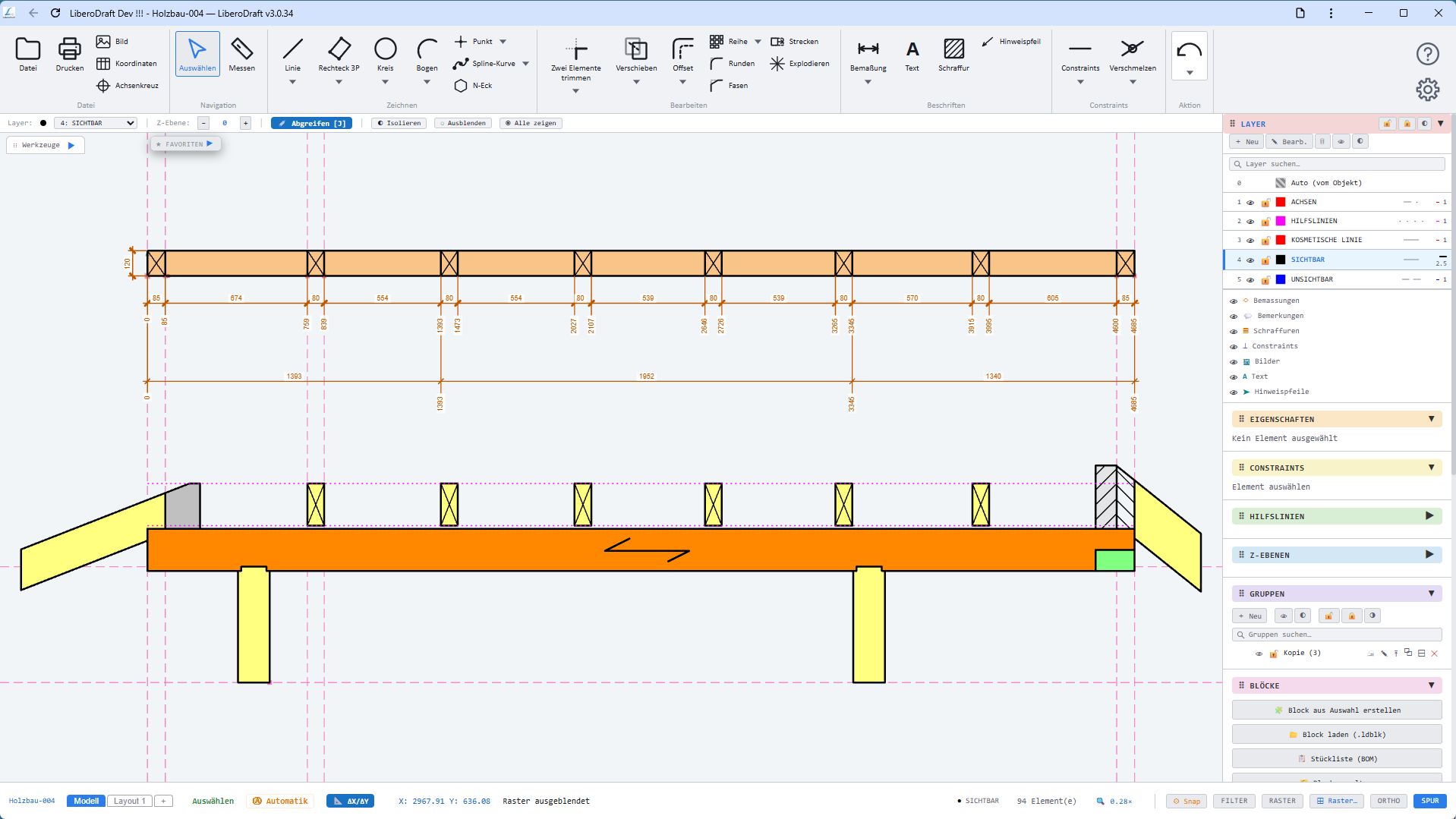
✓Two interfaces to choose from: classic toolbar or Ribbon.
✓Bilingual: German and English, switchable on the fly.
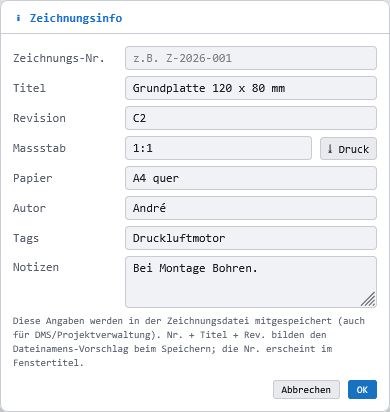
✓Sheets with viewports and printing to scale.
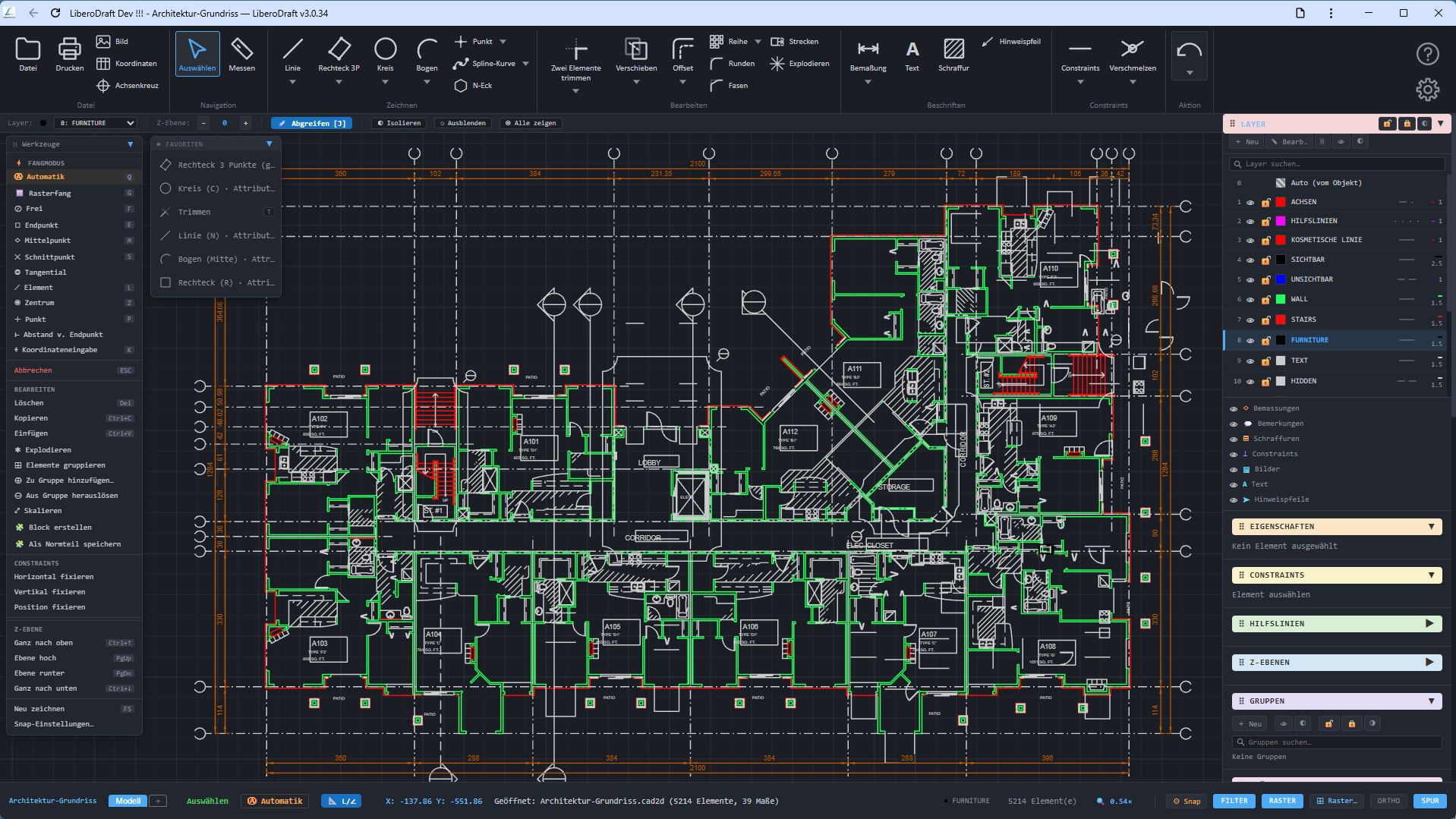
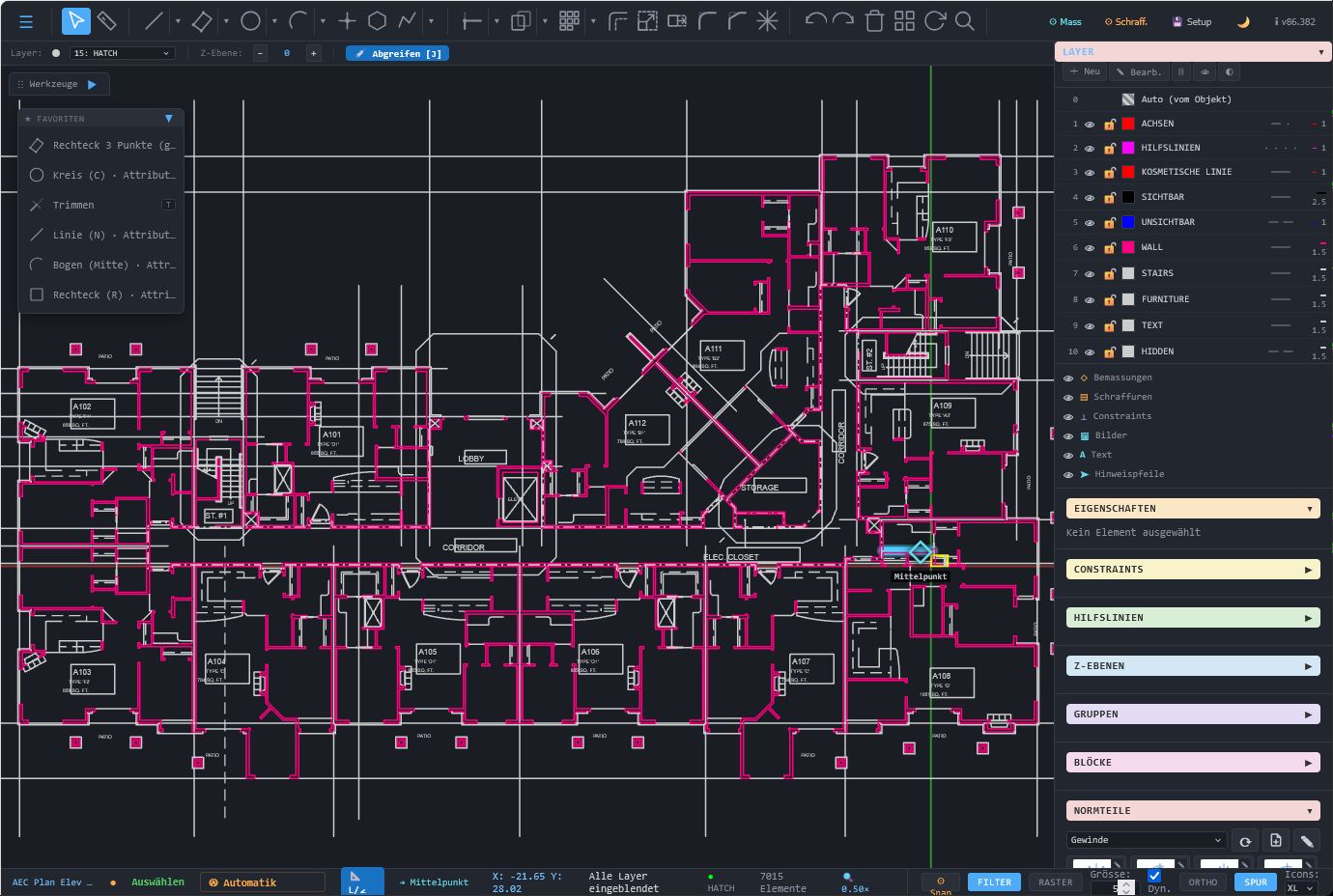
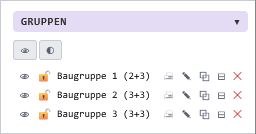
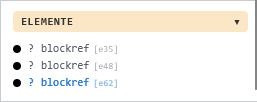
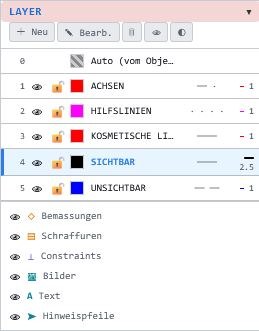
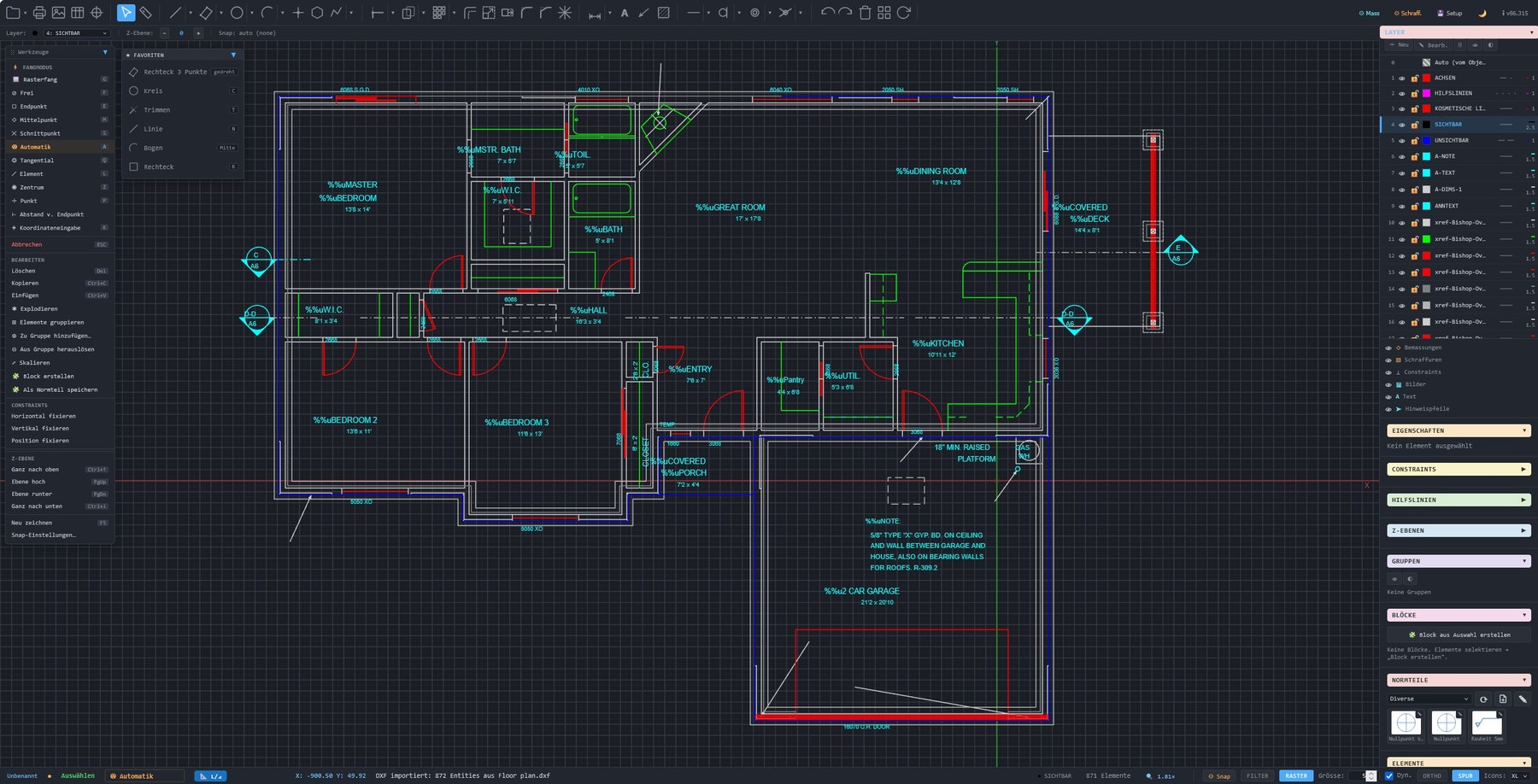
✓Layers, groups, and blocks for structured drawings.
✓Core strength: 2D CAD with constraint-based sketches.
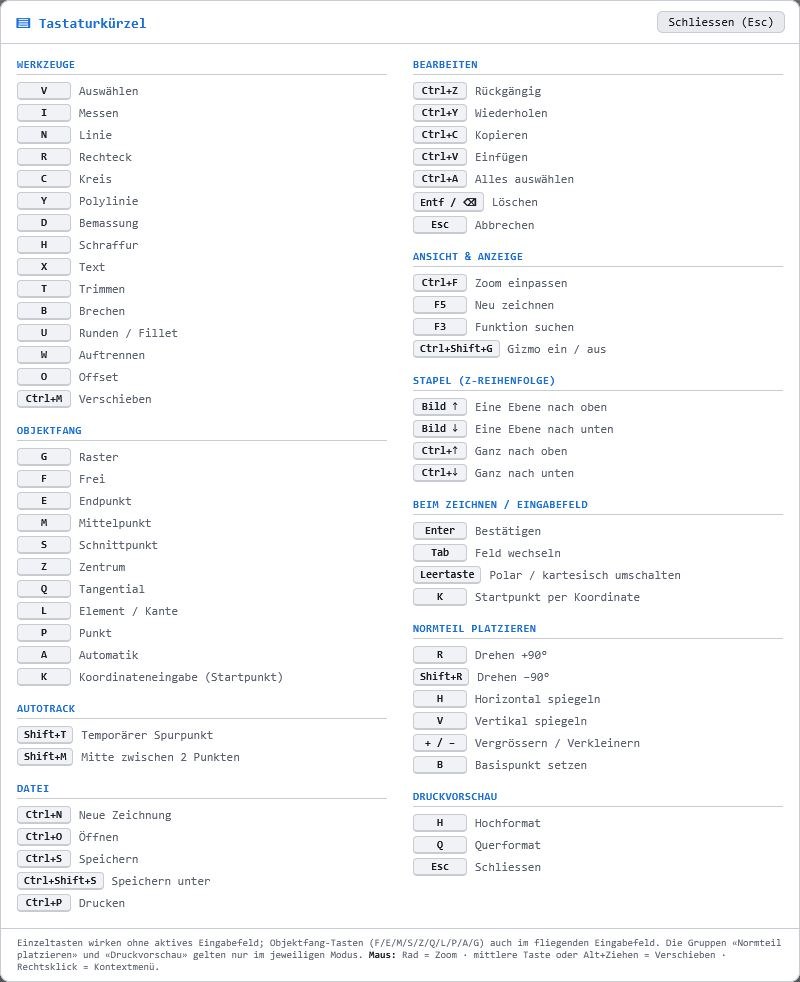
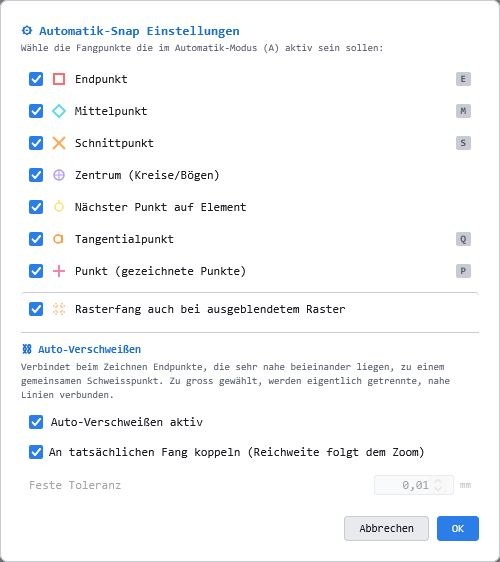
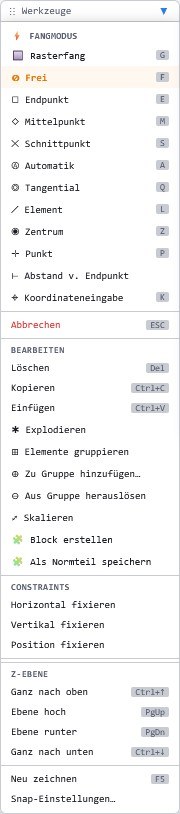
✓Intelligent object snaps for fast, precise drafting.
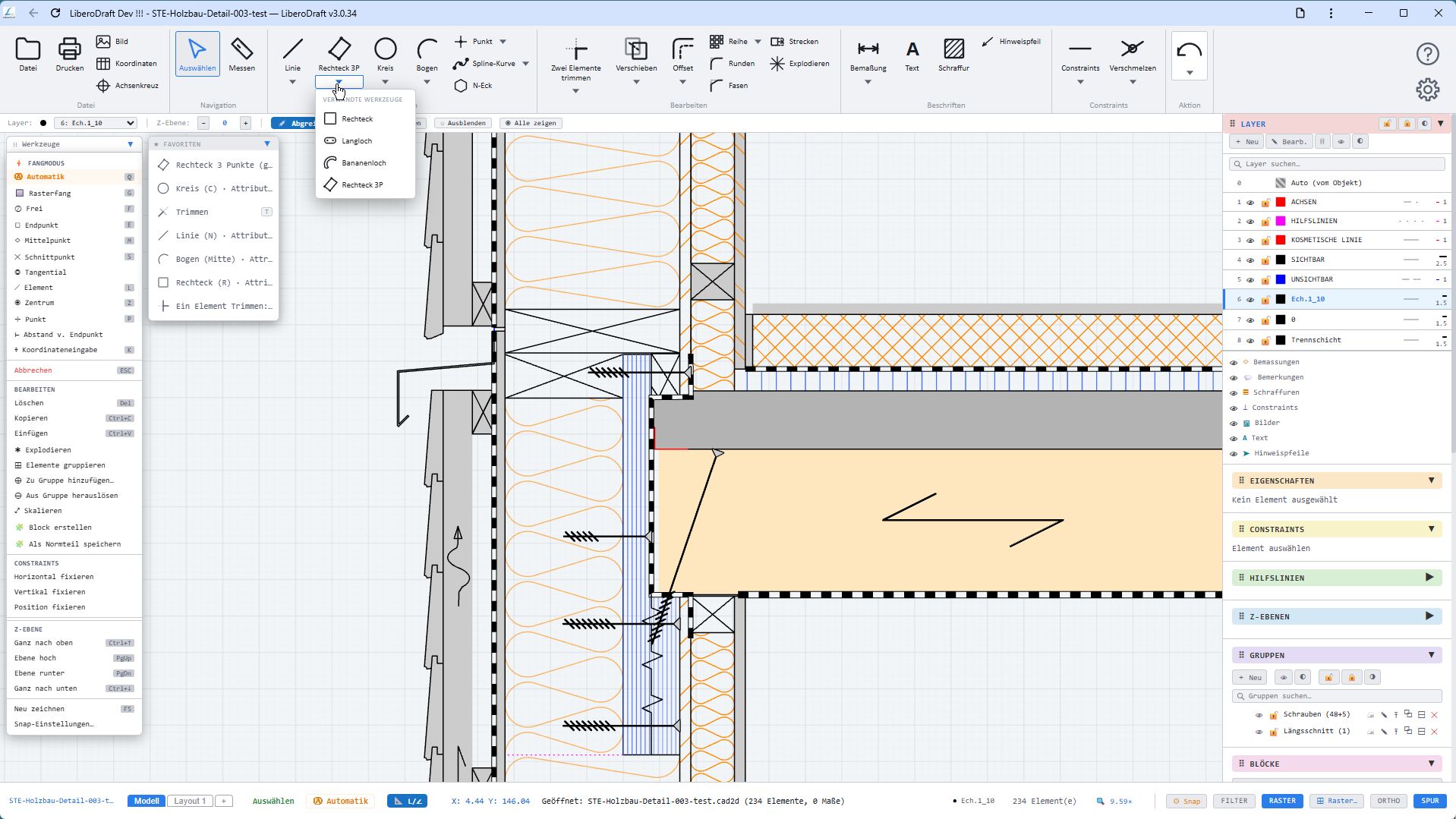
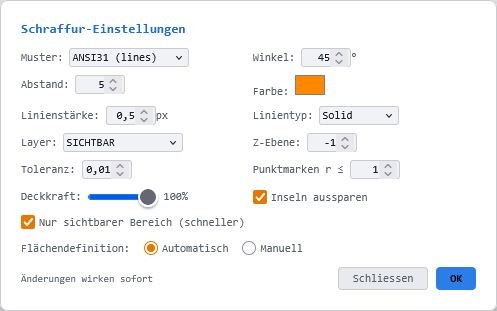
✓One-click hatching into a region; the boundary is detected automatically.
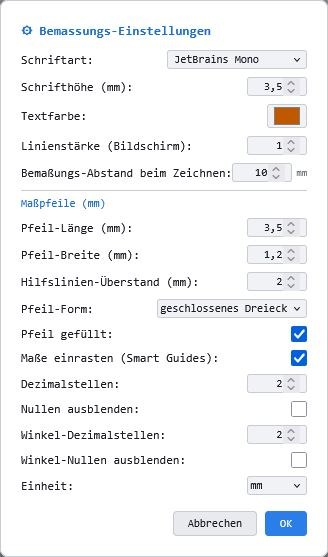
✓Dimensioning types for mechanical engineering, timber construction, and architecture.
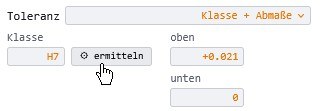
✓Tolerance zones are calculated automatically for dimensions with tolerance classes.
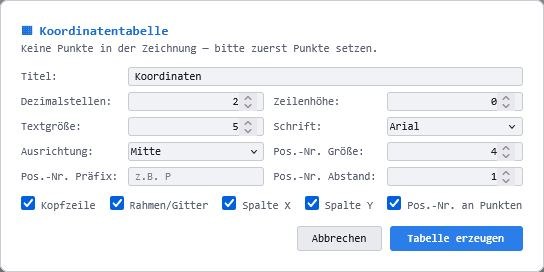
✓Automatic coordinate table for technical drawings.
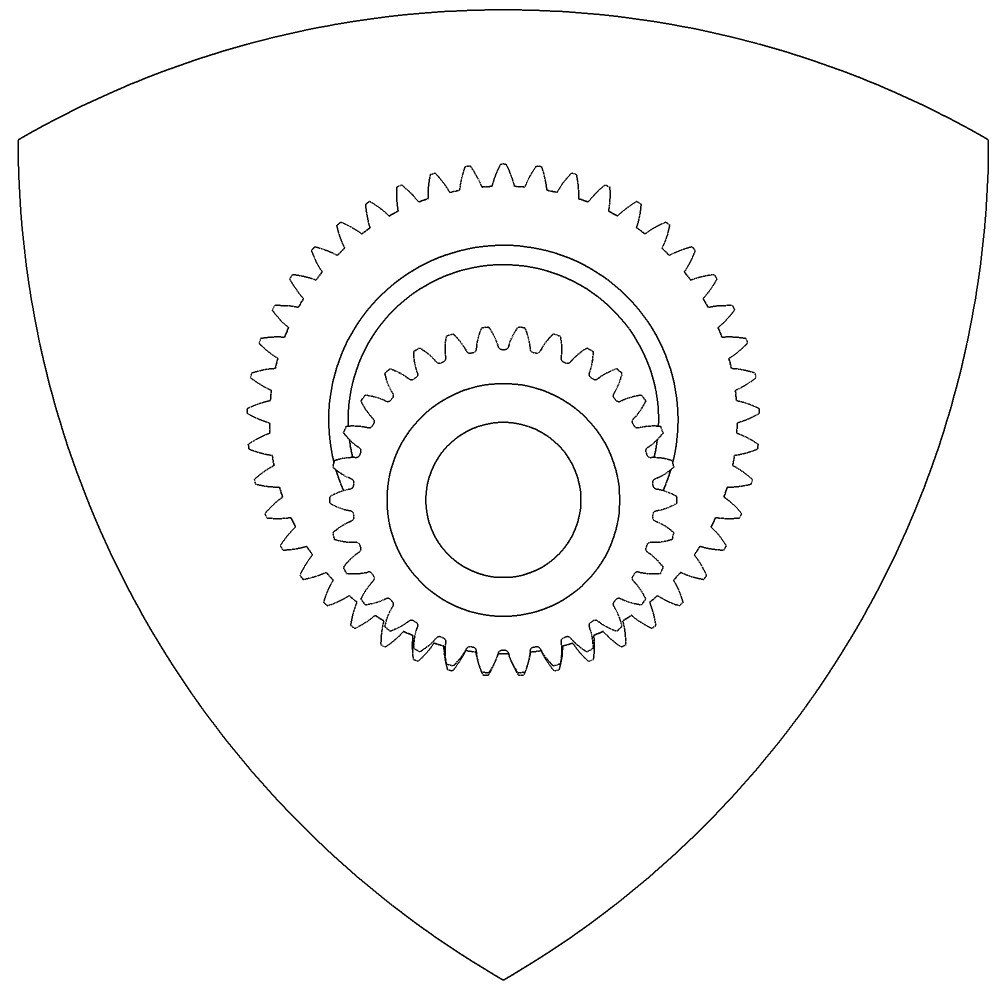
✓Gear generator with animation, found under Blocks, Add-ons.
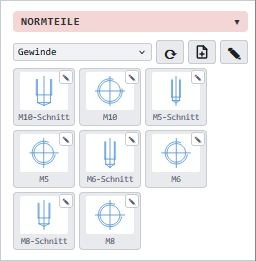
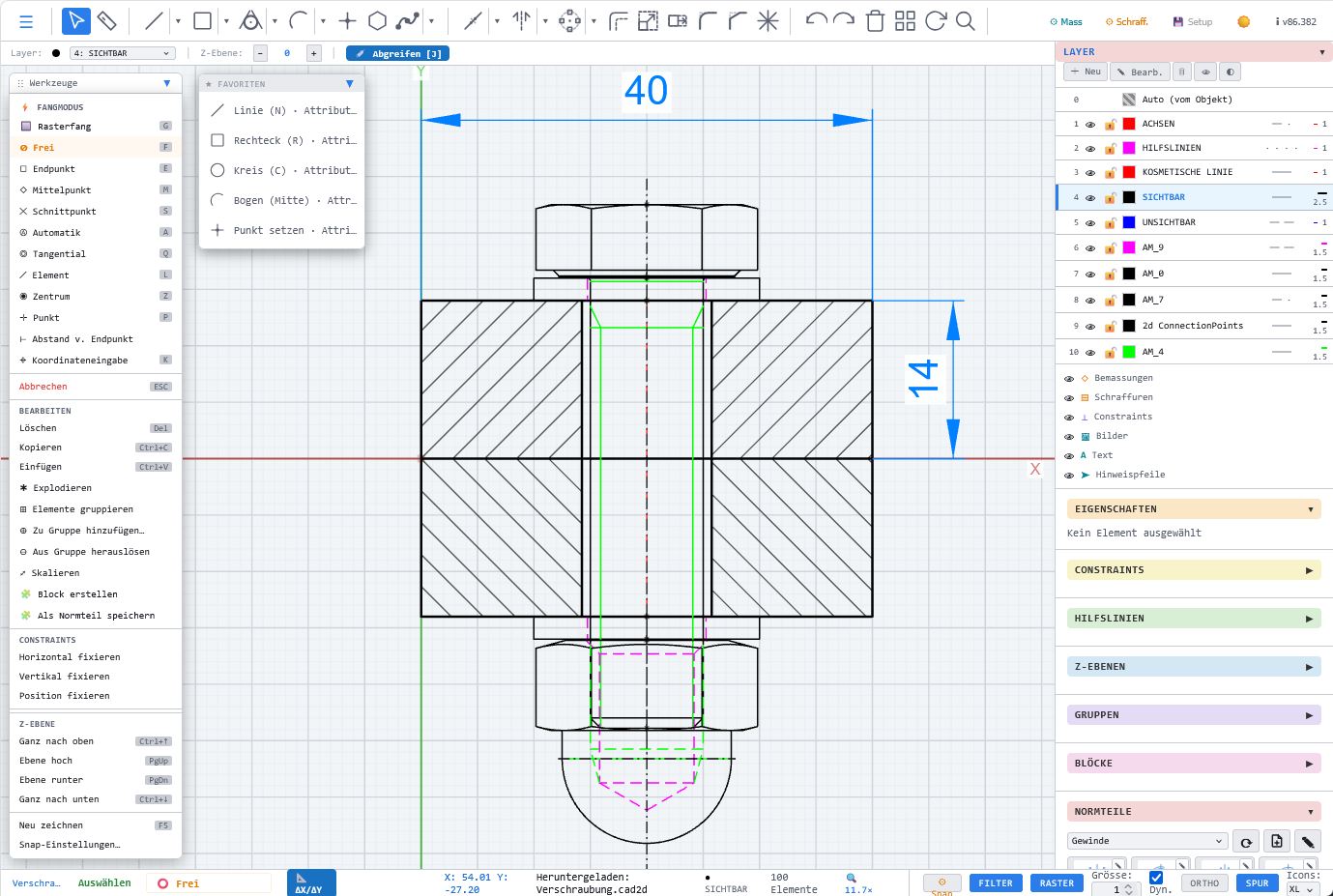
✓Fastener generator, found under Blocks, Add-ons.
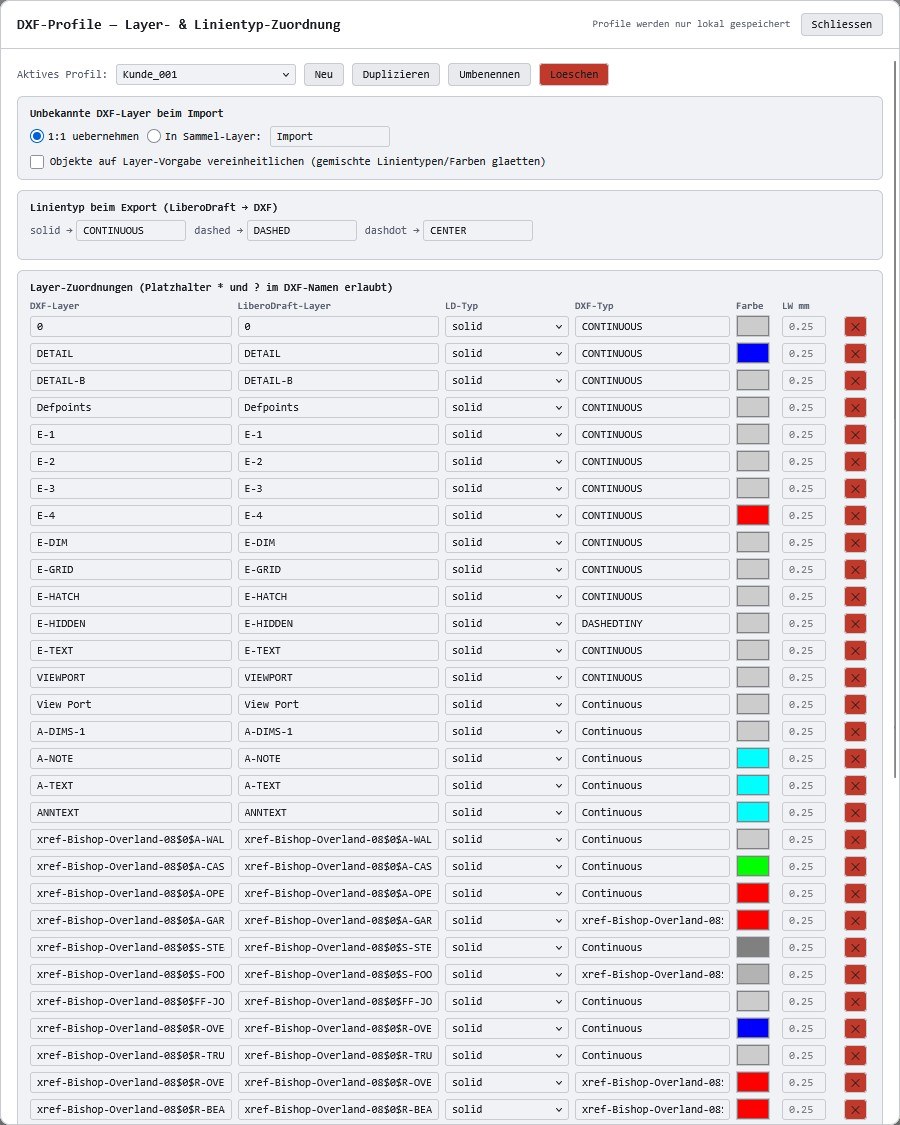
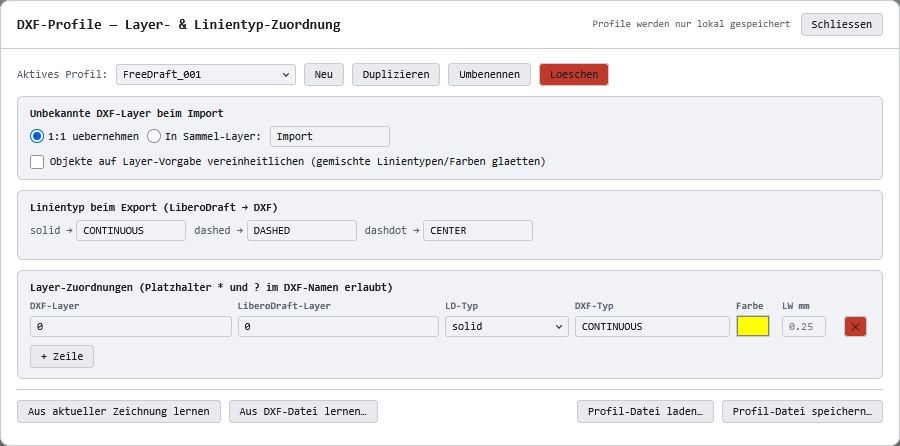
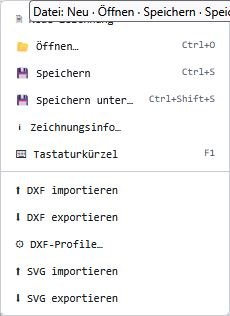
✓Import and export DXF and SVG.
✓Unlimited drawings of your own, stored locally on your computer.
✓No cloud lock-in; your drawings remain under your control.